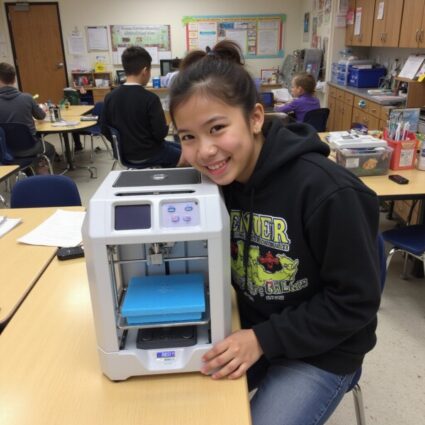
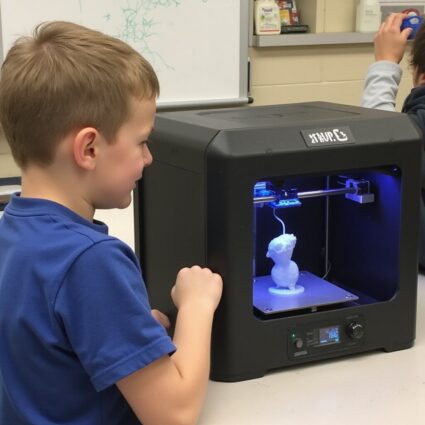
Best 3D Printer for Schools: How to Choose the Right Classroom 3D Printing Solution
Choosing the best 3D printer for schools means balancing excitement, safety, reliability, and price. Prioritize enclosed FDM 3D printers with quiet operation, automatic bed leveling, strong reviews, and easy slicer software. Consider curriculum fit, build volume, maintenance, and replacement parts. Contact us for a vetted, affordable classroom 3D printing plan.
Why 3D Printing Matters in K–12 Education
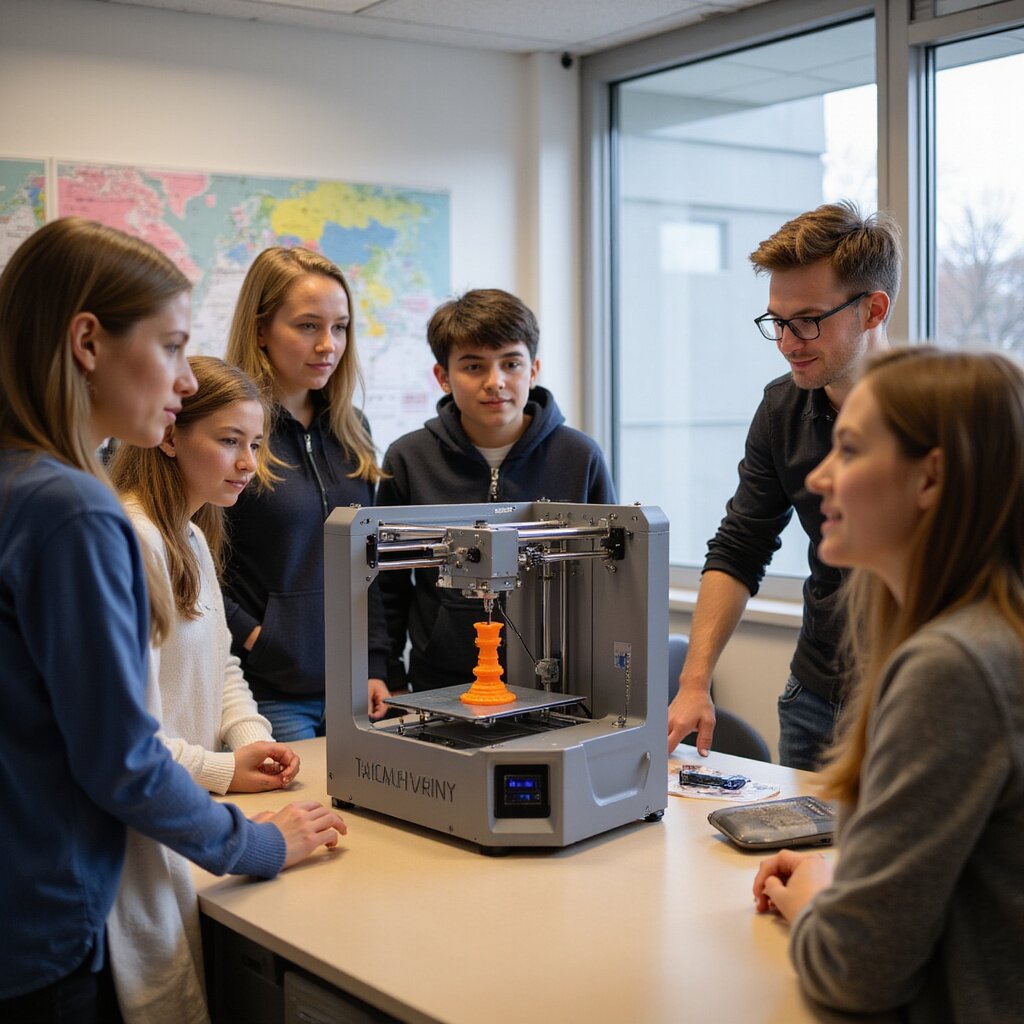
If you are responsible for curriculum, technology, or purchasing, you are under pressure to raise engagement without raising staff workload or costs. 3D printing gives you a practical way to do both. The best 3D printer for schools turns abstract standards into something students can hold, test, and improve.
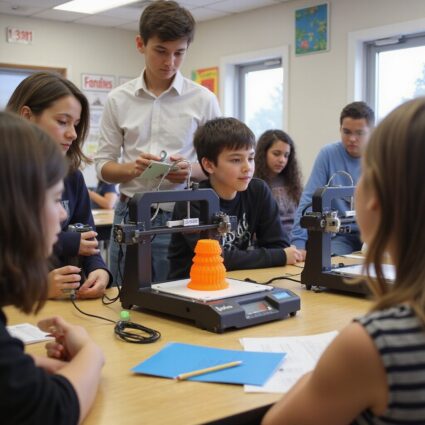
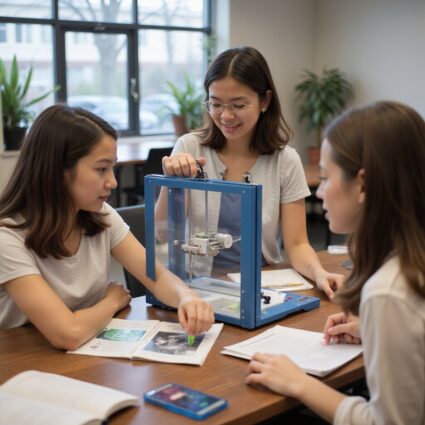
3D printers support STEM, CTE, and the arts in one shared ecosystem. A single enclosed desktop 3D printer can produce math manipulatives in the morning, engineering prototypes after lunch, and art projects by the end of the day. Students move from worksheets to real world problem solving, using 3D modeling software and 3D files to design, iterate, and reflect.
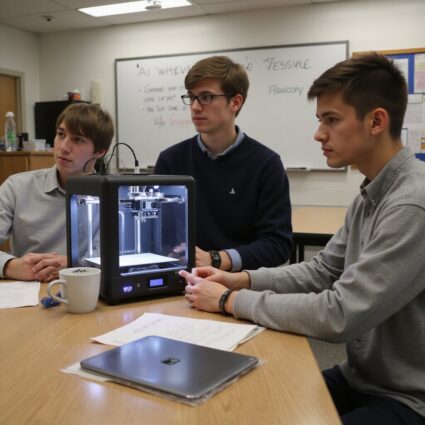
Modern FDM 3D printers for education are quieter, safer, and more reliable than early hobby machines. With enclosed build areas, automatic bed leveling, and classroom ready slicer profiles, teachers spend less time on maintenance and failed print jobs and more time teaching. Affordable pricing and durable parts mean you can deploy multiple machines without blowing your budget.
Districts that adopt 3D printing report higher student engagement, stronger STEM identity, and better collaboration between teachers and students. If you want a clear, low risk path to bring quality printing into your classrooms, reach out for a quick consult on the best 3D printer for schools and a rollout plan that fits your curriculum and budget.
How 3D Printers Improve Student Engagement and Learning Outcomes
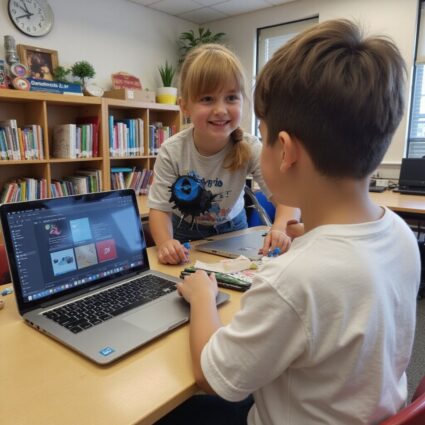
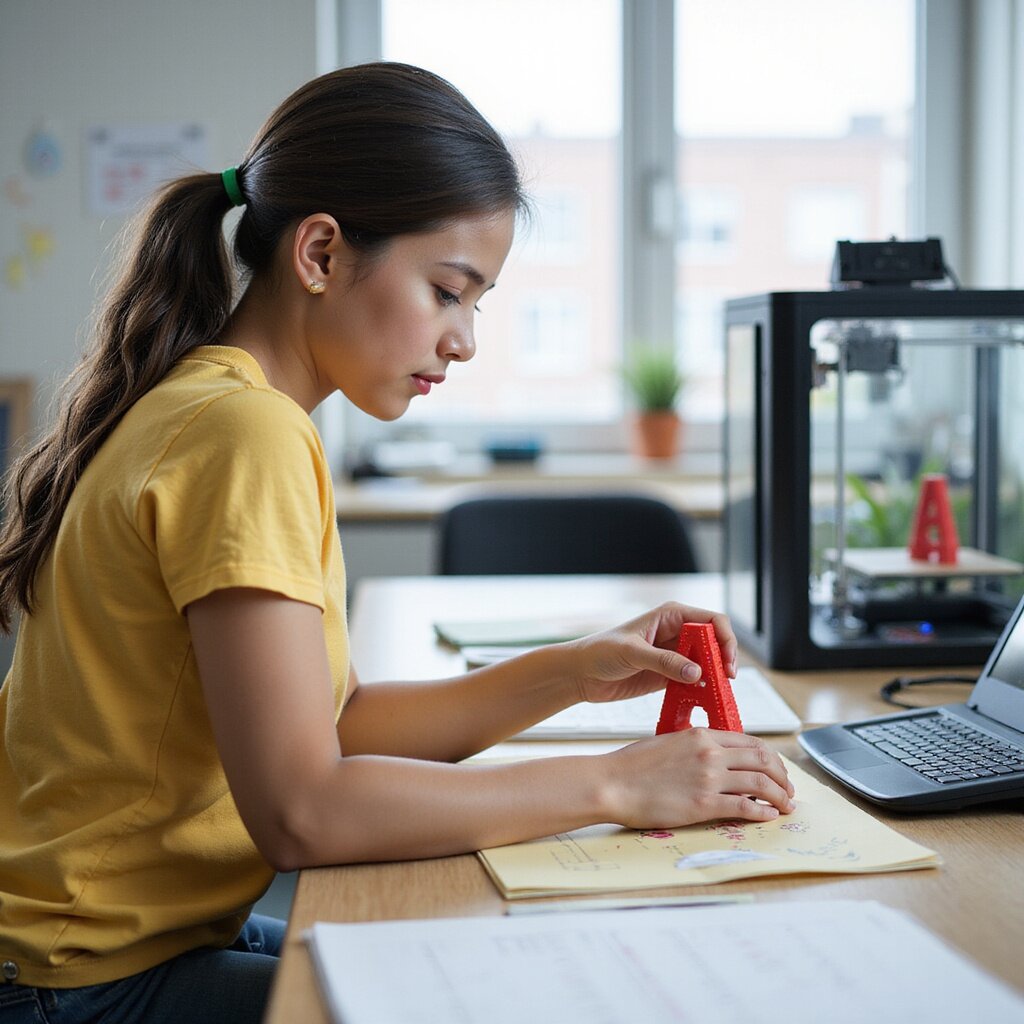
When students design and print something they care about, attention problems fade. 3D printing turns passive learners into active makers. Instead of guessing on a multiple choice test, students prove understanding through working prototypes and quality prints.
3D printing supports different learning styles in one activity. Visual learners benefit from 3D modeling. Kinesthetic learners handle parts, plates, and assemblies. Verbal learners explain design choices. With each print job, students see the impact of measurement, fractions, layer resolution, and material choices such as PLA or ABS filament. That feedback loop builds real mastery.
Teachers report that quiet students speak up when they can show a design, and frustrated students re engage when they can test ideas through rapid prototyping. Even failures such as warping, poor layer adhesion, or incorrect dimensions become rich discussions about accuracy, revision, and problem solving.
Hands On STEM, CTE, and Project Based Learning With 3D Printing
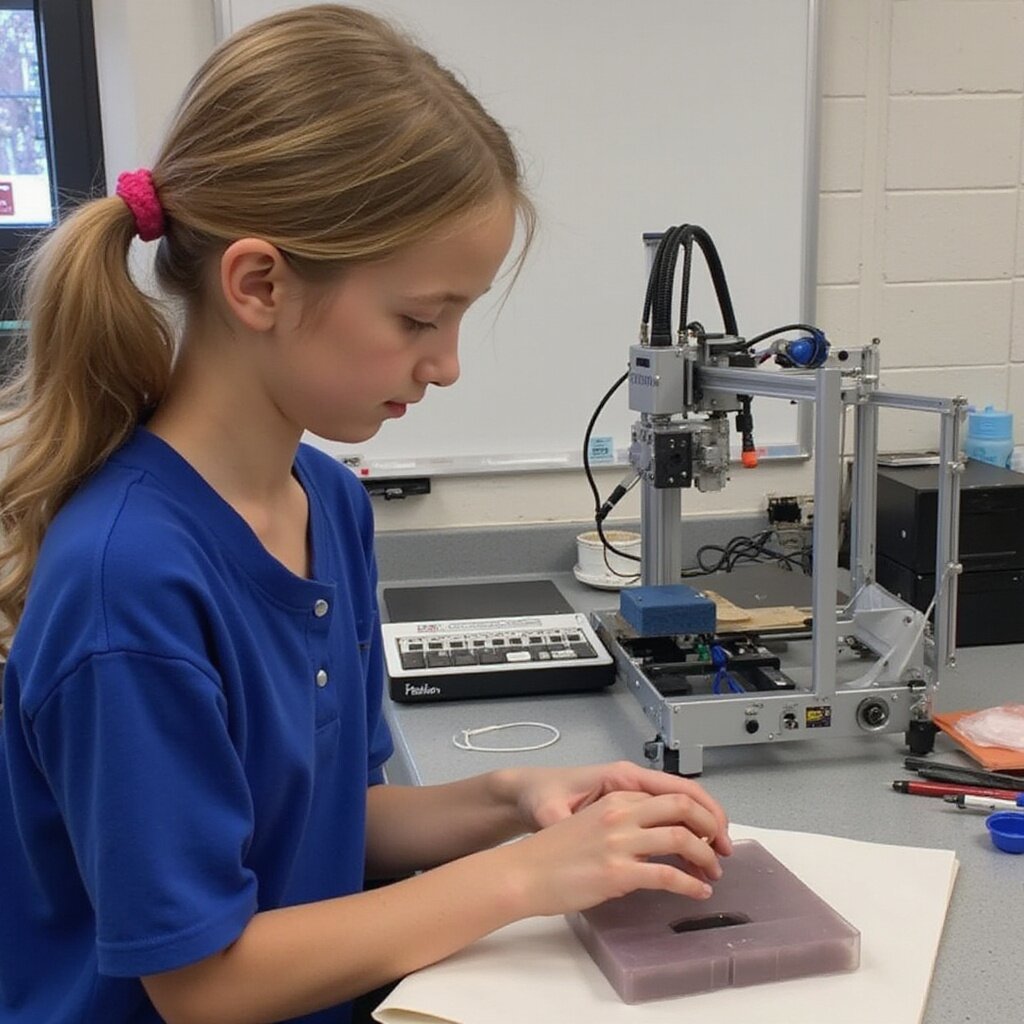
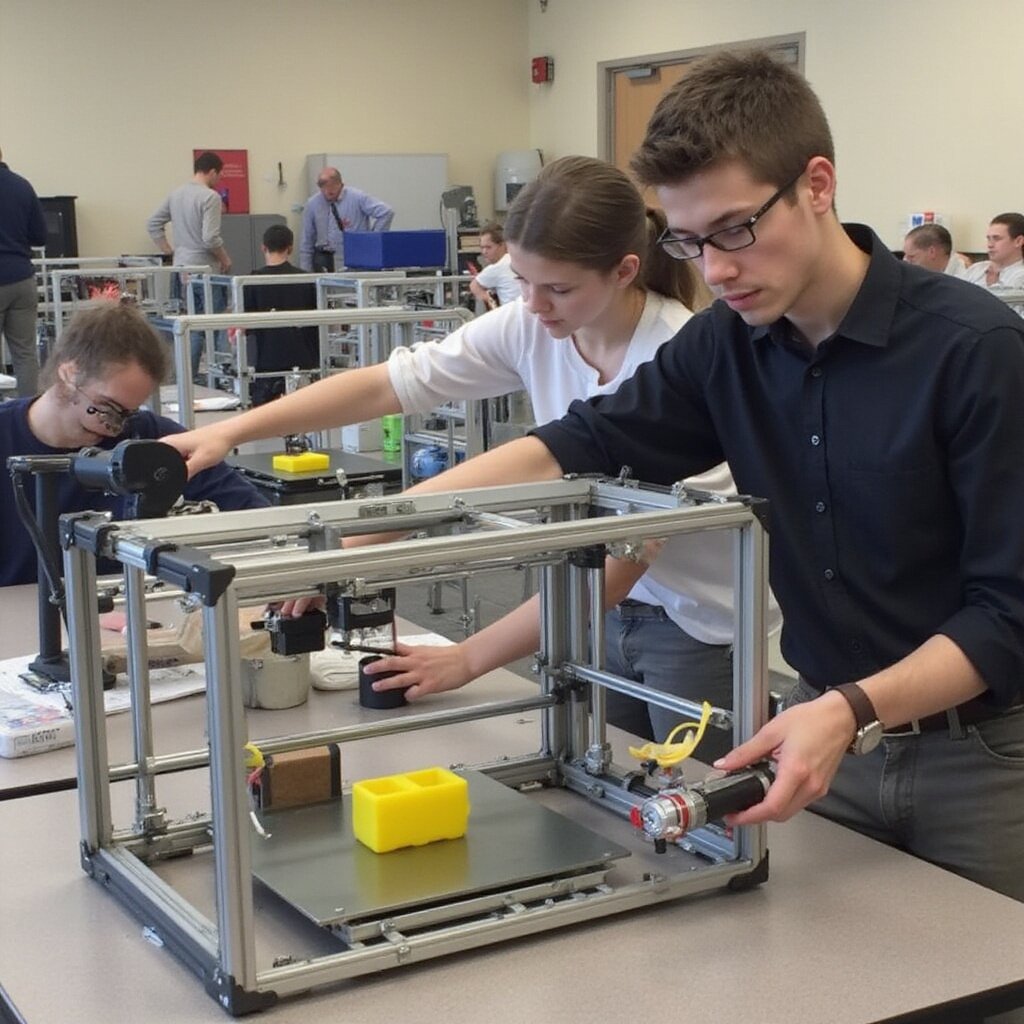
3D printing fits naturally into hands on STEM and CTE programs. Students move through the workflow: define a problem, design in 3D CAD, slice, print, test, and improve. That mirrors real engineering and manufacturing, giving students authentic experience with tools they will see in industry.
In STEM, students can design bridges, robotics parts, or science lab tools, then test them under load or in experiments. In CTE, they can prototype fixtures, jigs, or replacement parts, learning about tolerances, build volume, and material limits. Arts programs can use the same printers for props, models, and sculpture, blending creativity with technical skills.
Project based learning becomes easier to manage when you have reliable, quiet operation and predictable print speeds. Preconfigured slicer profiles and classroom ready 3D files reduce setup time so teachers can focus on instruction, not troubleshooting.
Where 3D Printing Fits in Your Curriculum and Makerspace Strategy
You do not need a brand new course to justify 3D printers. The best 3D printer for schools supports existing standards in math, science, ELA, CTE, and the arts. Geometry students can design solids. Science classes can print lab tools. ELA students can create artifacts from novels or history.
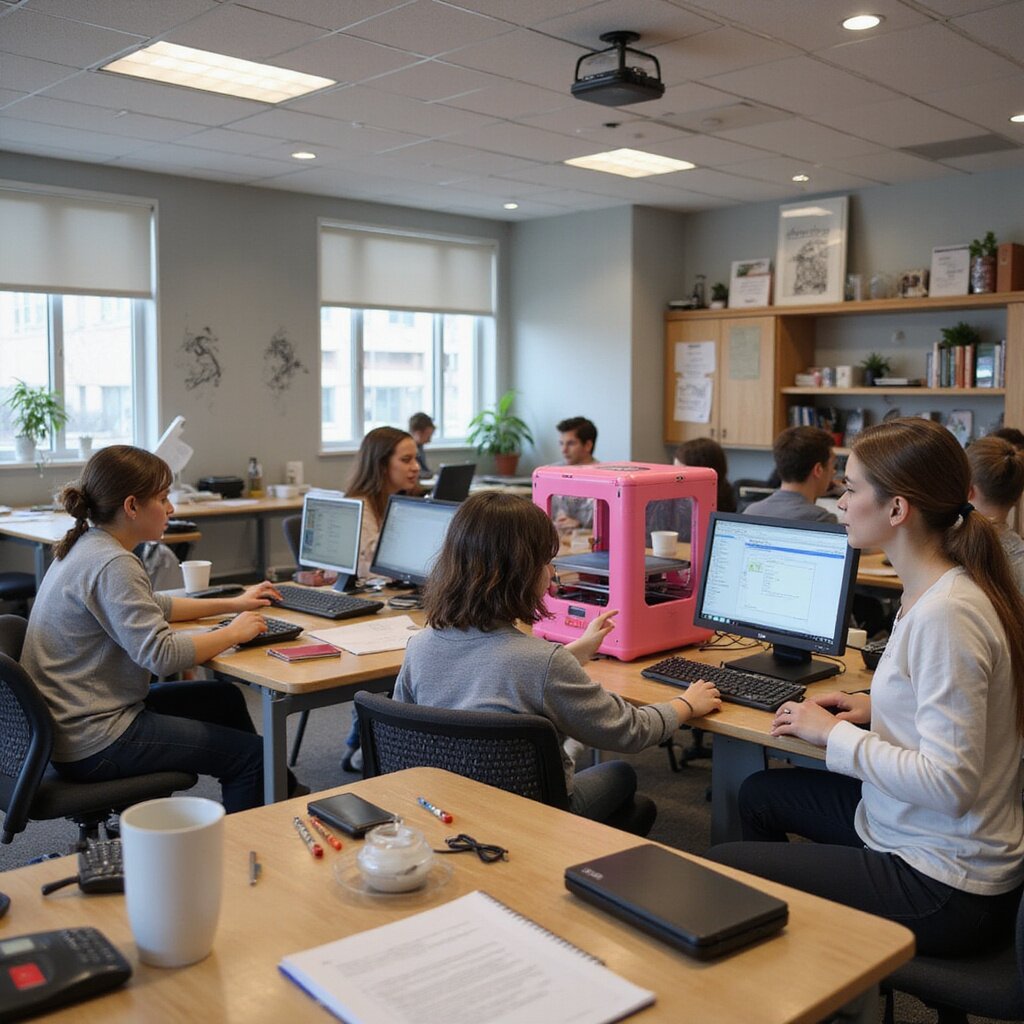
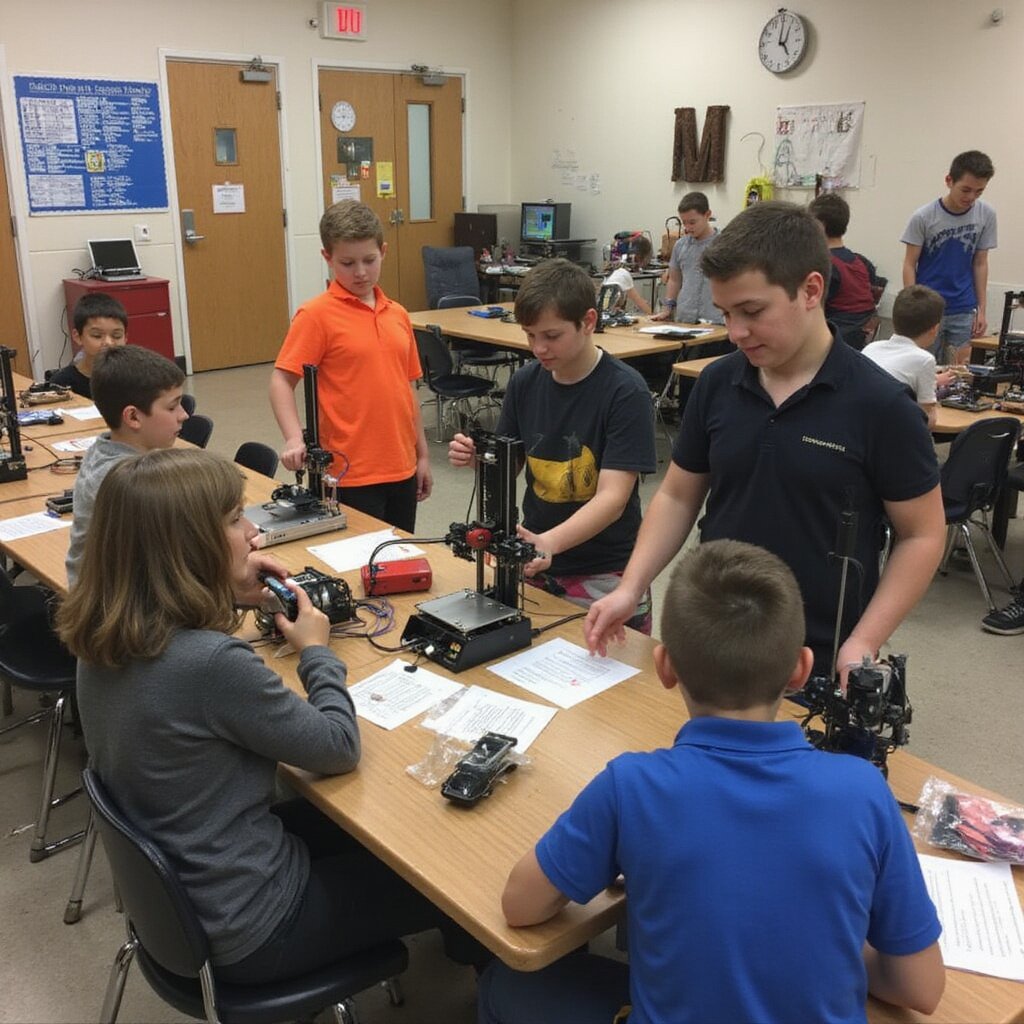
A smart approach is to anchor 3D printing in a shared makerspace strategy. Place a small cluster of enclosed desktop FDM 3D printers in a central lab, library, or STEM room. Teachers submit 3D files on a simple request form. A designated tech lead or media specialist manages print jobs, filaments, and storage. This keeps maintenance and supervision under control while giving broad access.
Over time, you can expand into classroom printers where demand is highest, such as robotics, engineering, or art. Many districts start with one or two budget friendly machines, then add higher speed or larger build volume units once they see usage patterns and print quality needs.
Common Challenges Schools Face When Adopting 3D Printers
Most schools are not held back by interest. They are held back by fear of headaches. Common worries include constant maintenance, failed prints, safety, and hidden costs. Choosing the best 3D printer for schools means addressing those issues up front with reliable hardware, clear workflows, and training.
Older hobby machines often needed manual leveling, frequent tinkering, and open frames. Modern printers for education offer enclosed build areas, automatic bed leveling, quiet operation, and safer filament paths. That reduces supervision needs and keeps print jobs running while class continues. With the right system, teachers do not have to be 3D printing experts to get consistent results.
Budget is another concern. Cheap kits or unreviewed models can lead to more failures, wasted filament, and frustrated staff. A better approach is to select a small set of vetted FDM printers with strong reliability, clear warranties, and education focused support.
What Makes the Best 3D Printer for Schools Different From Hobby or Industrial Models
When you buy a 3D printer for home, you are usually serving one tinkerer. Industrial printers serve trained technicians. The best 3D printer for schools has to serve many students across different grades, with constant turnover in staff and schedules. That changes everything.
School ready printers prioritize safety, reliability, and ease of teaching over exotic materials or extreme speed. You need an enclosed build area, quiet operation, and dependable FDM hardware that can run all week without constant supervision. Hobby kits or bargain models can look attractive on price, but frequent failures quickly erase savings and frustrate teachers.
Educational institutions also need an ecosystem that fits curriculum standards and STEM goals. That means consistent print quality, educator friendly workflows, and software students and teachers can use without a steep learning curve.
Key Safety Features Every School 3D Printer Should Include
Look for a fully enclosed build chamber that keeps fingers away from hot components and moving parts. Auto bed leveling and guided setup reduce the need for students to reach into the machine. A pause on open sensor or locking door adds another layer of protection.
For younger grades, favor PLA and other classroom friendly filaments over higher temperature materials or resin systems that require more ventilation and post processing. A school ready printer should offer clear status indicators and simple pause controls that any teacher can use.
Reliability, Uptime, and Maintenance Considerations in Classrooms
A printer that works most of the time at home becomes a problem in a classroom. Reliability and uptime matter as much as price. Look for sturdy construction, automatic bed leveling, good adhesion surfaces, and tuned slicer profiles that reduce failures.
Maintenance is a hidden cost. Systems with strong warranties, easy replacement parts, and clear maintenance guides help keep downtime low and teacher confidence high. Features like filament runout sensors and resume after power loss help protect long prints and busy schedules.
Why Educator Friendly Software and Workflows Matter as Much as Hardware
Many failures in schools come from confusing software and clumsy workflows. The best 3D printer for schools pairs solid hardware with simple software, preconfigured profiles, and classroom controls that keep students productive without breaking settings.
A good workflow supports your curriculum. Students design, export files, slice with preset profiles, and send to print in a few steps. Teacher tools like queues, accounts, and monitoring reduce workload and keep printers used consistently.
How to Choose the Best 3D Printer for Schools: A Step by Step Framework
Step 1: Clarify Instructional Goals and Grade Levels
Before you compare brands or prices, get clear on what outcomes you want. A printer for K to 5 looks different from one for high school engineering or robotics. Tie projects to grade level standards and write down 5 to 10 use cases, such as printing math manipulatives, prototyping robotics parts, or creating science models.
Step 2: Set a Realistic Budget for Hardware, Materials, and Training
Budget for total cost of ownership over at least three years. That includes filament, replacement parts, storage, maintenance supplies, and professional development. Decide whether you want one premium printer or several smaller printers to reduce queues. Include time and support, not just the machine.
Step 3: Evaluate Specifications That Matter in K to 12
For most schools, the best choice balances safety, reliability, print quality, and ease of use. Look for education proven models, strong warranties, and lesson ready ecosystems.
Build Volume, Print Speed, and Material Compatibility
Build volume determines the maximum project size. Elementary programs often need modest build areas. High school engineering may need larger build volumes or multiple printers.
Print speed is less important than consistent quality prints. Reliable profiles and good adhesion reduce failures and wasted time. Most schools start with PLA and later expand to PETG or other materials as comfort grows.
Network, IT, and Device Management Requirements
Confirm how jobs will be sent: SD card, USB, local network, or cloud. Many schools benefit from cloud management, print queues, and user accounts. Coordinate with IT on WiFi policies, storage, and student access. Also plan placement, ventilation, and storage for filament spools and tools.
Comparing Types of 3D Printers for Schools: FDM vs Resin and Beyond
Why FDM 3D Printers Are Often the Best Fit for Most Schools
FDM printers are usually the safest, most practical starting point. They use filament like PLA instead of liquid resin, so supervision and classroom management are easier. FDM offers a strong mix of affordability, build volume, and reliability for STEM, arts, robotics, and prototyping.
When Resin or Advanced Technologies Make Sense
Resin can make sense for advanced high school pathways where extremely fine detail matters, but it adds ventilation, safety procedures, and post processing requirements. Many districts start with FDM for broad access, then add one advanced system in a controlled lab for specialized projects.
Single Printer vs Fleet: How Many Printers Does a School Need
One printer often creates long queues and frustration. Many schools find a small fleet delivers better value. Multiple printers mean shorter wait times, backups during maintenance, and the ability to run different colors or materials.
A practical rule of thumb is at least one reliable FDM printer per 2 to 3 active classes that use printing regularly, with more capacity for high demand makerspaces.
Essential Features to Look for in the Best 3D Printer for Schools
Classroom Safety: Enclosures, Filtration, and Approved Materials
Prioritize fully enclosed printers, clear safety controls, and classroom appropriate materials. Filtration is helpful when running multiple machines or longer prints. For most K to 12 programs, PLA and other classroom friendly materials are a strong default.
Ease of Use: Auto Leveling, Preconfigured Profiles, and Student Friendly Interfaces
Auto bed leveling reduces failures and saves time. Preconfigured slicer profiles help teachers avoid technical rabbit holes. Touchscreens, simple menus, and predictable workflows help students operate printers with light supervision.
Durability, Warranties, and Support for High Use Environments
School printers run hard. Choose sturdy frames, proven brands, and education friendly support. A strong warranty and fast parts access often matter more than small differences in sticker price.
Total Cost of Ownership: Budgeting Beyond the Hardware
Upfront Costs vs Ongoing Filament, Parts, and Maintenance
Filament and wear parts add up. Replacement nozzles, build plates, and maintenance supplies should be planned. Printers with fewer failures and better uptime often cost less over time.
Planning for Teacher Training, Student Certifications, and PD Time
Hardware alone is not a program. Training helps teachers integrate printing into curriculum and reduces reliance on one expert. Student certifications can reduce supervision load and improve reliability by assigning trained student print managers.
How Bundled Solutions Reduce Hidden Costs
Bundles that include printers, starter materials, spare parts, curriculum, and PD can reduce mid year surprises. When everything is tested to work together, adoption is faster and failures are fewer.
How AGC Education Supports Schools in Choosing and Implementing the Best 3D Printer
Consultative Selection Support From K to 12 Specialists
We help you compare options in plain language, based on grade levels, curriculum, safety, IT requirements, and budget. You get clear pros and cons, realistic pricing, and a recommended rollout approach.
Turnkey Implementation: From Delivery and Setup to Classroom Ready Use
Printers arrive configured for school workflows, with basic profiles dialed in and guidance for placement, connectivity, and storage. Teachers receive quick start orientation and starter projects aligned to classroom goals.
Ongoing Service, Supplies, and Success Support
We support maintenance planning, consumables forecasting, and replacement parts so your program stays reliable throughout the year, not just during setup.
Dedicated Success Implementation Team and Responsive Technical Support
When a print fails before a showcase, you need real help quickly. Our support focuses on classroom realities, so teachers and IT can keep learning moving.
Training, Curriculum, and Student Certifications for School 3D Printing Programs
A strong 3D printing initiative pairs reliable printers with curriculum, certifications, and ongoing teacher support. Students progress from basic design and PLA projects to advanced prototyping and troubleshooting skills that align with CTE and career readiness.
EmpowR Academy: Professional Development for Educators
Short, practical training helps teachers integrate 3D printing into existing units without reinventing lessons. Educators learn workflows, basic maintenance, troubleshooting, and classroom management strategies that reduce downtime.
Teacher Onboarding, Lesson Integration, and Classroom Management
We provide low risk starter projects, proven print files, and clear routines for safety and supervision. This keeps printing predictable even with multiple classes and mixed ability learners.
Student Certifications and Real World Skills
Certifications build accountability and safety. Students learn file prep, printer operations, quality checks, and basic troubleshooting, then document projects for portfolios and career pathways.
Building Pathways From Intro Design to Advanced Fabrication
A program should move beyond novelty prints. Students advance toward functional parts, prototypes, and production style workflows, including managing queues and improving print success rates.
Real Examples: How Schools Use 3D Printers to Transform Teaching and Learning
STEM and Makerspace Projects That Bring 3D Printing to Life
Students design and test prototypes tied to real problems, turning failures into engineering lessons. Reliable enclosed printers with strong profiles make this feasible without constant supervision.
Cross Curricular Uses in Art, Design, and Core Subjects
Schools print models for history, tactile maps, literature artifacts, science models, and design projects. The key is choosing a system that non technical teachers can operate confidently.
Lessons Learned From Districts That Scaled Across Multiple Schools
Districts succeed when they standardize models, profiles, materials, training, and support. Hardware matters, but a consistent plan matters more.
Next Steps: Choosing the Best 3D Printer for Your School With AGC Education
You do not have time to gamble on printers that jam, sit idle, or frustrate teachers. You need reliable, quiet, safe printers aligned with curriculum and budget. AGC Education helps you compare options, plan rollout, and support long term success.
Quick Readiness Checklist
- Curriculum fit and project types
- Grade levels and supervision needs
- Space, ventilation, and noise considerations
- IT workflow for file transfer, accounts, and connectivity
- Budget for materials, parts, maintenance, and training
- One printer vs a right sized fleet
How to Request a Tailored Recommendation and Quote
Share your grade levels, subjects, project types, environment, teacher comfort level, and budget range. We will respond with recommended models, packages, pricing, and a rollout plan designed for your classrooms.
Why Partnering With a K to 12 Focused Provider Matters
Most printers are built for hobbyists, not classrooms. A K to 12 focused approach accounts for safety, supervision, workflow, training, and support so printers get used consistently and deliver real learning outcomes.
3d printers 3d printer pla 3d printer 3d printer pla 3d printer 3d printers fff 3d printing pla fff 3d printers 3d printers 3d printing 3d printing fff 3d printing 3d printing resin fff 3d printing fff resin pla 3d printers fff 3d printing fff 3d printing 3d printing 3d printer 3d printer 3d printers 3d printing 3d printing fdm 3d printers fff 3d printer 3d printers pla resin 3d printer 3d printing 3d printing 3d printer 3d printing fff 3d printing 3d printing resin 3d printer 3d printers 3d printing 3d printing 3d printing 3d printers fdm 3d printers