3D Printer for Schools

A 3D printer for schools is more than a classroom device. It is a gateway to hands on STEM learning, real world problem solving, and career readiness. For district leaders and educators, the goal is not simply purchasing equipment. It is selecting a reliable, safe, and scalable solution that integrates smoothly into curriculum and daily instruction.

AGC Education supports K to 12 schools with turnkey 3D printing solutions designed to reduce implementation barriers while maximizing student engagement and measurable outcomes.

Why Schools Need a 3D Printer

Transforming STEM Instruction

A 3D printer for schools allows students to move from concept to creation. Engineering designs, science models, and prototype solutions come to life in ways textbooks alone cannot provide. Students develop critical thinking, collaboration, and iteration skills that align with state standards and workforce expectations.

Supporting Career and Technical Education

High schools increasingly emphasize career pathways in engineering, manufacturing, architecture, and digital design. Industrial grade and classroom ready 3D printers help students gain practical experience with tools used in professional industries. This prepares learners for college programs and skilled careers.

Supporting Career and Technical Education

3D printing extends beyond STEM labs. Art students create sculptures and product designs. History classes print artifacts and models. Mathematics courses use printed objects to explore geometry and measurement. A single 3D printer can serve multiple departments, maximizing return on investment.

Safety and Classroom Readiness

Educational environments require enclosed systems, reliable temperature control, and intuitive software interfaces. These features protect students and reduce supervision concerns for teachers and administrators.

Reliability and Low Maintenance

Schools operate on tight schedules. Durable construction and simplified maintenance ensure minimal downtime. Reliable equipment reduces frustration and protects instructional time.

Professional Development and Support

Hardware alone does not guarantee success. Teachers and IT staff need structured onboarding and ongoing support. AGC Education provides professional development, technical guidance, and curriculum alignment to ensure confident implementation.

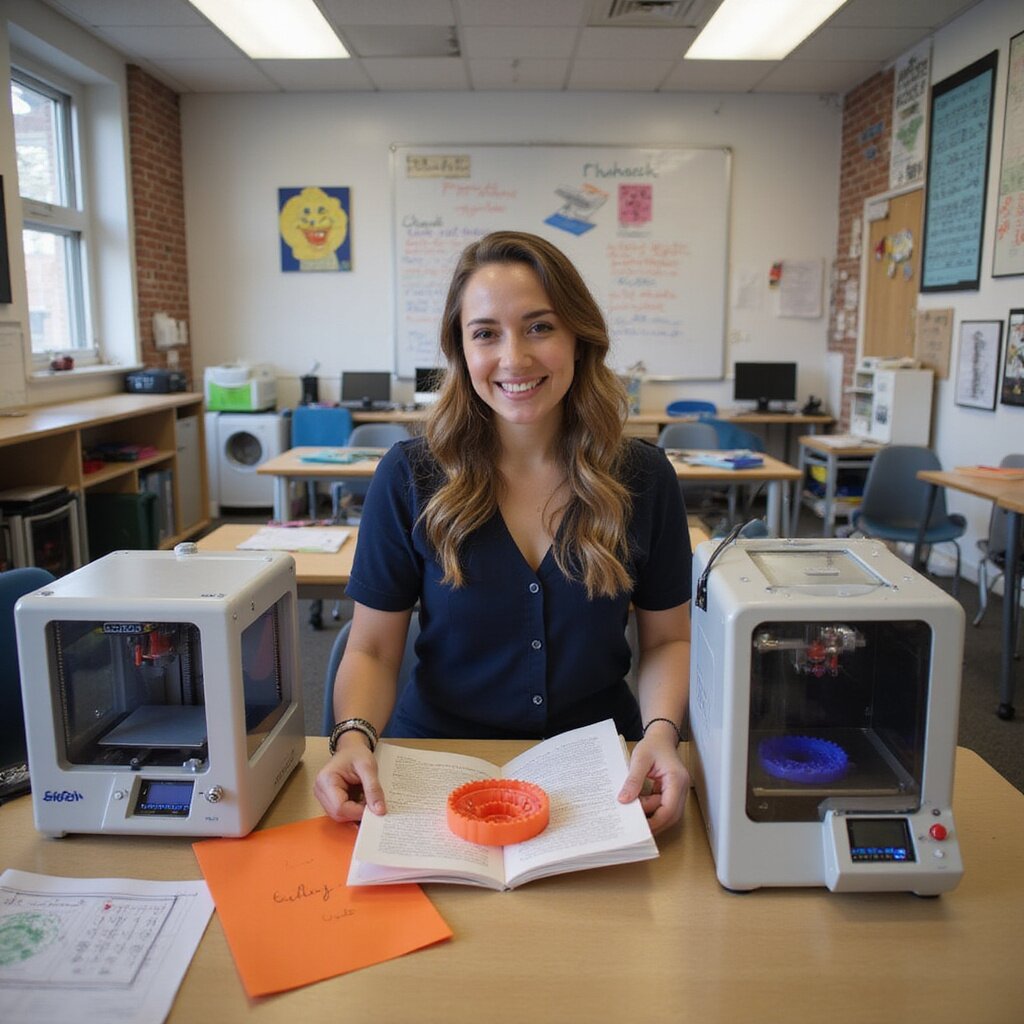
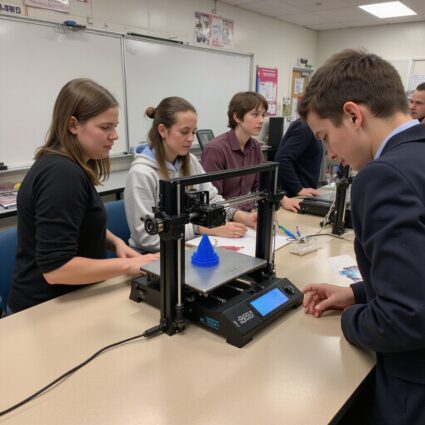
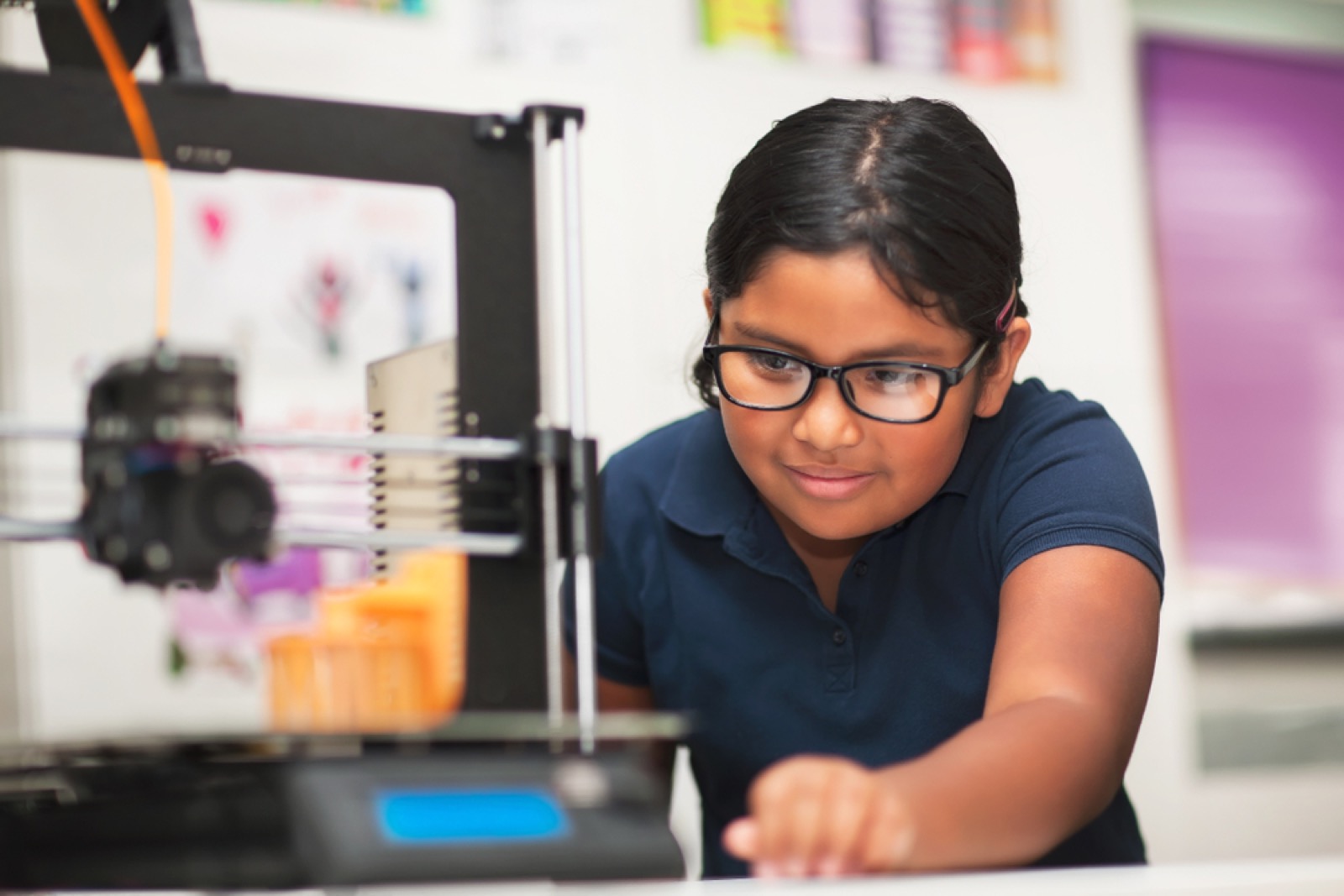
Students in a school classroom using a 3D printer to create prototype models abs 3d printer 3d printer 3d printers printer 3d printing 3d printers 3d printers fused deposition modeling printer printer 3d printer 3d printing selective laser sintering printers 3d printer printers sla abs abs 3d printer 3d printing fdm 3d printers printers fdm 3d printers formlabs fdm 3d printers dlp labs 3d printing 3d printing resin 3d printer 3d printer formlabs resin 3d printers printers 3d printers dlp printer printer 3d printer 3d printer for schools abs 3d printing sls printer resin fdm fdm resin software 3d printing resin resin 3d printers 3d printer printer fdm printers 3d printers 3d printer 3d printing 3d printers 3d printers 3d printers resin 3d printer 3d printer formlabs 3d printing sla printer 3d printing 3d printer 3d printer printer printer 3d printing printers printer printer formlabs 3d printing sla 3d printing 3d printer 3d models fdm 3d printer 3d printers printer 3d printer printers 3d printers 3d printing labs 3d printer formlabs 3d printing 3d printing stereolithography printers 3d printers fdm sla 3d printers 3d printer 3d printer stereolithography 3d printer printer 3d printing 3d printers 3d printer 3d printing printers 3d printing fused deposition modeling formlabs 3d printer fused deposition modeling software printers 3d printer
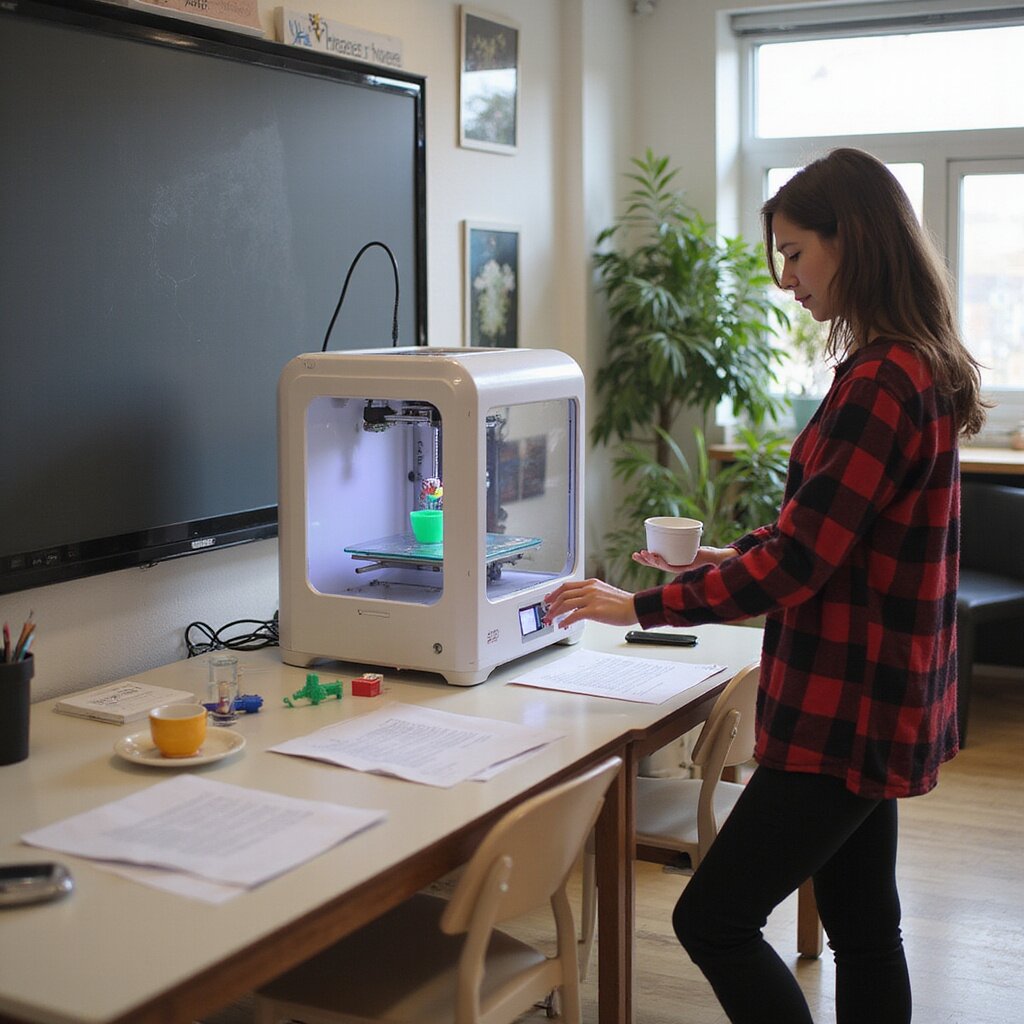
3D printer in School 3’s STEM lab printing a student-designed prototype 3d printing 3d printers sls 3d printers 3d printers 3d printing printer 3d printer 3d printer resin 3d printer 3d printing printer abs 3d printers 3d printer 3d models fused deposition modeling fused deposition modeling 3d printer 3d printing 3d printing printers printer 3d printing 3d printing 3d printer for classrooms software printer printer printer fused deposition modeling 3d printers printer resin printer 3d printing printer printer 3d printers 3d printers 3d printers 3d models printers printers formlabs 3d printers resin sla printers sla 3d printers sls sla formlabs stereolithography printers 3d printers 3d printer fdm resin 3d printing abs printer 3d printers fused deposition modeling 3d printing 3d printer 3d printing formlabs printer resin software 3d printing fdm printer 3d printer 3d printing 3d models 3d printing printer 3d printers resin fdm printer 3d printer abs 3d printers printer 3d printing sla printer printer 3d printer 3d printer fdm sls printers printers 3d printing printer formlabs printers printer 3d printing abs 3d printer 3d printers formlabs 3d printers selective laser sintering 3d printers 3d printers 3d printers 3d printer 3d printing 3d printers 3d printer 3d printer 3d printers printers 3d printer printers fdm labs software printers printers stereolithography
A 3D printer in School 4’s classroom producing a colorful prototype model while students observe. software 3d printing 3d printer 3d printer printer formlabs 3d printers 3d printers abs printers 3d printing fdm sla 3d printer 3d printers fdm sla software 3d printers 3d printing 3d printing 3d printer for classrooms 3d printers 3d printer for classrooms printers printer formlabs 3d printing printer 3d printer 3d printing 3d printer 3d printing printers resin 3d printing stereolithography software 3d printer printer software 3d printers printer fdm 3d printer sla 3d models 3d printer 3d printers 3d printing extrusion 3d printing formlabs 3d printers printer fdm 3d printer 3d printers 3d printer 3d printers printer 3d printing 3d printer 3d printing 3d printer formlabs 3d printing 3d printing 3d printer 3d printer 3d printers sls 3d printing 3d printers 3d printers 3d printers 3d printing labs printers additive manufacturing resin 3d printing 3d printer printer fdm printer printer printers abs printers 3d printers 3d printers 3d printer formlabs formlabs printer sls formlabs printer 3d printing sla 3d printers 3d printing 3d printer printers resin 3d models abs fdm 3d printing 3d printing 3d printer 3d printing 3d models 3d printers abs additive manufacturing printers dlp printer formlabs 3d printers 3d printer 3d printer printer printer formlabs abs fdm

AGC Education Turnkey Solutions

Selecting the right 3D printer for schools requires expertise in both technology and education. AGC Education works closely with superintendents, curriculum directors, technology coordinators, and procurement teams to assess goals, enrollment needs, and budget constraints.

Our process includes consultation, equipment selection, implementation planning, and long term support. We focus on sustainable adoption that enhances learning without overwhelming staff.

By partnering with AGC Education, districts gain access to proven hardware, classroom ready materials, and a structured rollout plan that promotes measurable academic outcomes.

A 3D printer in School 4’s classroom producing a colorful prototype model while students observe. 3d printing 3d printer for schools 3d printing sls printer formlabs 3d printing 3d printer 3d models abs formlabs formlabs printers 3d printer fdm 3d printers 3d printing printers 3d printing 3d printing 3d printer sls software software 3d printing sls 3d printing printer printer printer 3d printers 3d printers 3d printing 3d printers 3d printers 3d printing formlabs sla printer abs 3d printer 3d printing 3d printing sls 3d printing 3d printing printer 3d printer printer printers printer printer printer 3d printer 3d printer dlp printer printers 3d printers 3d printing sls 3d models 3d printing 3d models printer 3d printers printers printer 3d printers resin printer 3d printing printers 3d printer formlabs printer 3d printers printer fdm printers printers 3d printer fused deposition modeling 3d printers printer formlabs 3d printing sla 3d printing fdm 3d printing 3d printing stereolithography 3d printers printer 3d printing software fdm 3d printers 3d printers printers printer 3d printing printer printer abs fdm printer printers 3d printing printers printer formlabs sls printer 3d printer for schools 3d printers 3d printer 3d printers formlabs printer 3d printer 3d printing abs printers 3d printing

Building Future Ready Classrooms

A 3D printer for schools equips students with skills in design thinking, problem solving, and digital literacy. These competencies are essential for modern careers and higher education.
AGC Education ensures that every solution prioritizes safety, instructional value, and long term success. The result is a learning environment where students actively create, innovate, and prepare for tomorrow’s opportunities.


Frequently Asked Questions

Is a 3D printer for schools safe for students
Yes. Modern education focused models include enclosed build areas and filtration systems designed for classroom safety.

How much training do teachers need

Most educators can begin using the equipment after structured professional development. AGC Education provides comprehensive training and ongoing support.
Can one printer serve multiple classrooms
Yes. Many schools schedule shared access through makerspaces or STEM labs to maximize usage and efficiency.

What materials are commonly used

PLA filament is widely used in schools due to its reliability and classroom friendly properties.

How do schools measure success

Success is measured through student engagement, quality of project outcomes, increased STEM participation, and integration across subject areas.


Empowering Student Entrepreneurs: Tech Solutions for School-Based Enterprise

School-based enterprises are on the rise in schools, and it’s easy to see why. When students get the chance to run a school-based business, they’re not just making and selling products. They’re learning how to collaborate, solve problems, and think creatively. These are the kinds of skills that stick with them long after graduation.

For educators, school-based enterprise programs can boost classroom engagement, encourage innovation, and bring the school community closer together. It’s a win for both students and schools.

Of course, having a good idea is only the starting point. To turn those ideas into school-based enterprises, students need the right tools. That’s where technology makes all the difference.


Students quickly discover that running a business is about more than just making products. They develop financial literacy, marketing know-how, project management skills, and the ability to make data-driven decisions – all in a safe, supportive environment.

From designing a product to figuring out how to fix mistakes in production, students are constantly problem solving. They learn to test ideas, make adjustments, and find creative solutions when things don’t go as planned. These hands-on challenges help them build resilience and connect classroom concepts to real-world situations.

Student-run enterprises – even small ones – give students agency. They learn to lead teams, make decisions, and present their ideas with confidence. These experiences are invaluable for college applications, future careers, and personal growth.


Choosing the Right Tech for Your School-Based Enterprise Program

Not every school-based enterprise needs the same setup. Some schools might launch a simple print shop, while others dive into custom merchandise or prototyping. The key is to pick the right starting point for your program – one that fits your budget, your students’ interests, and the type of products you’d like them to create. Below, we’ll compare some of the most popular tools schools are using for school-based entrepreneurship, with examples of what each one does best.


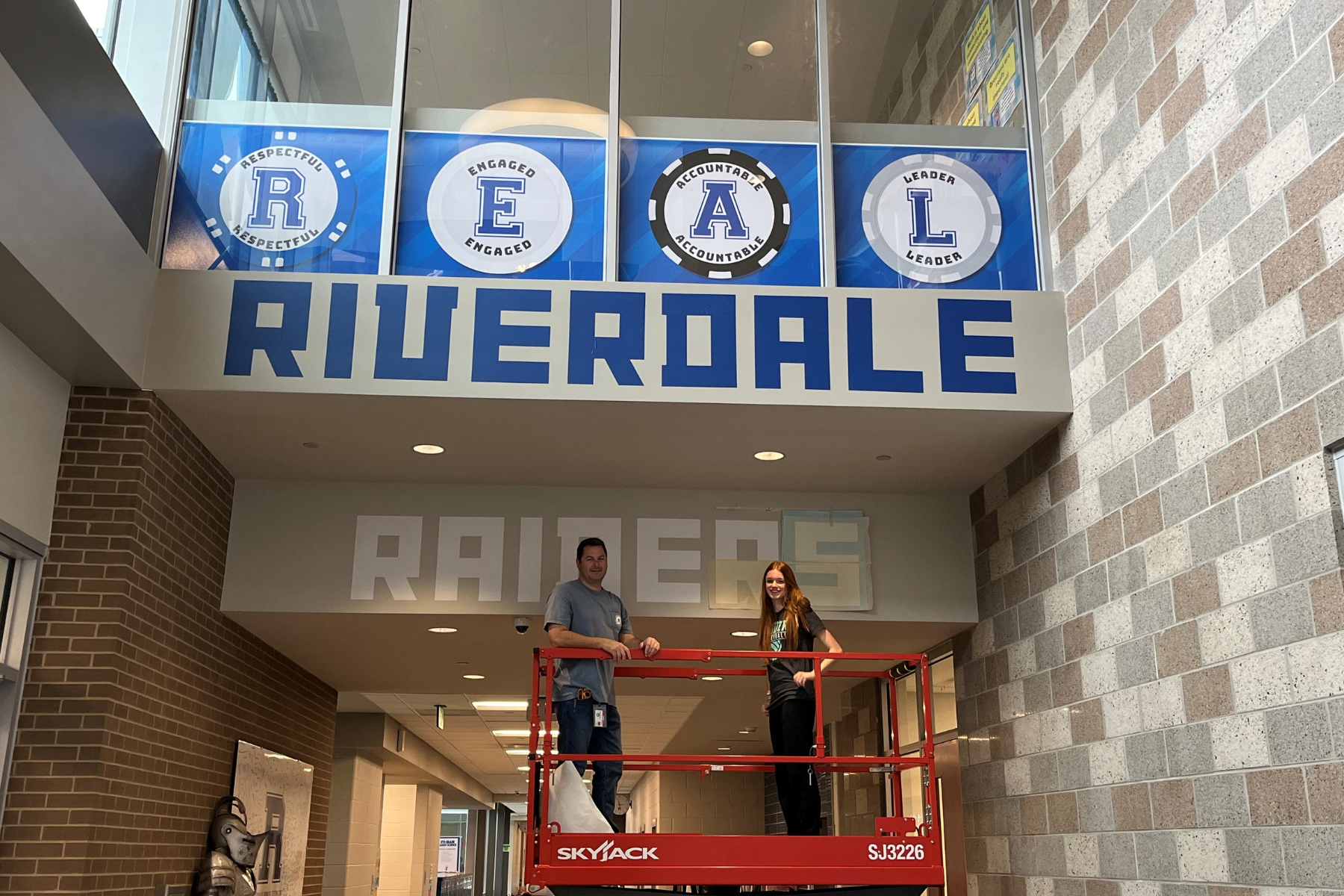
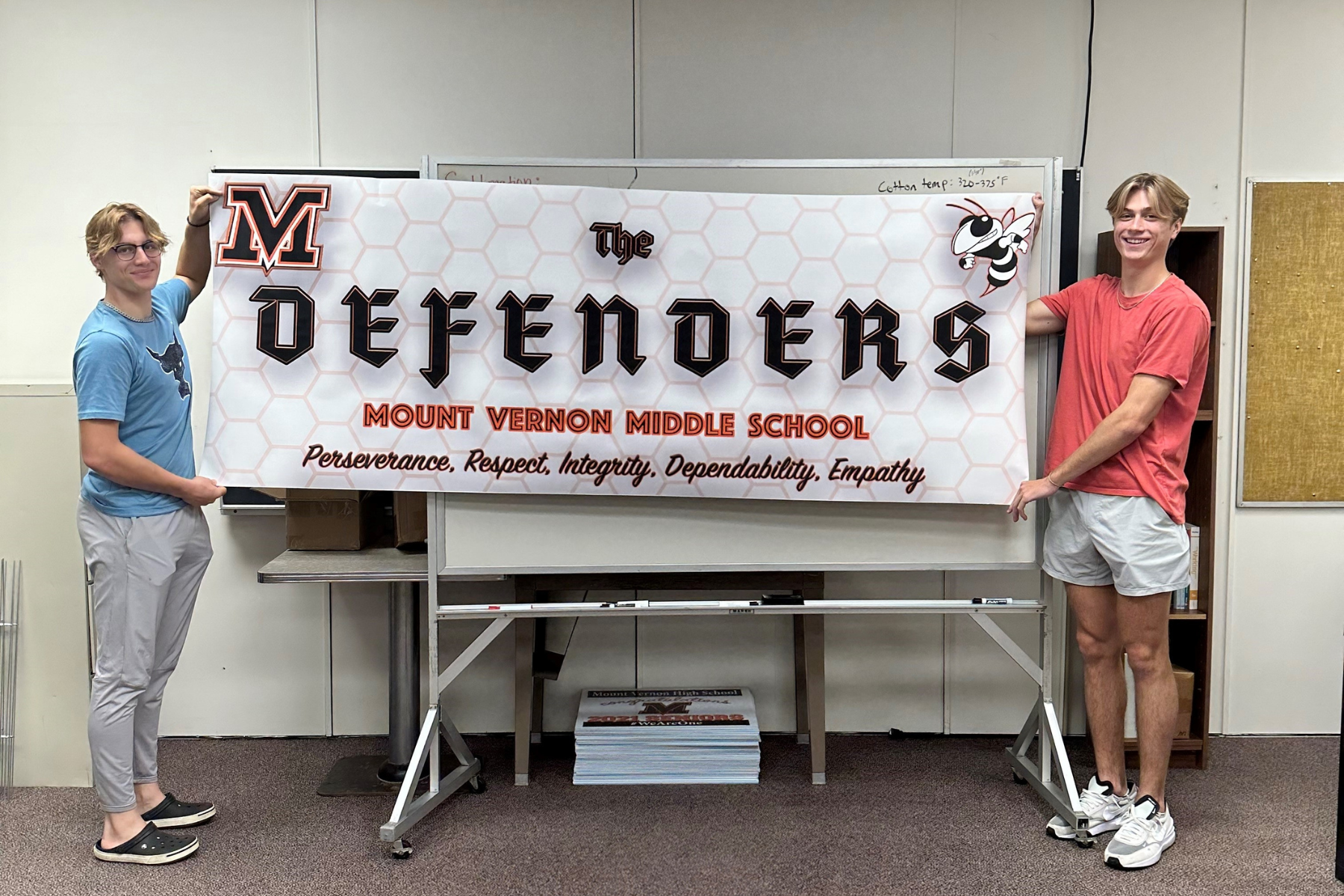
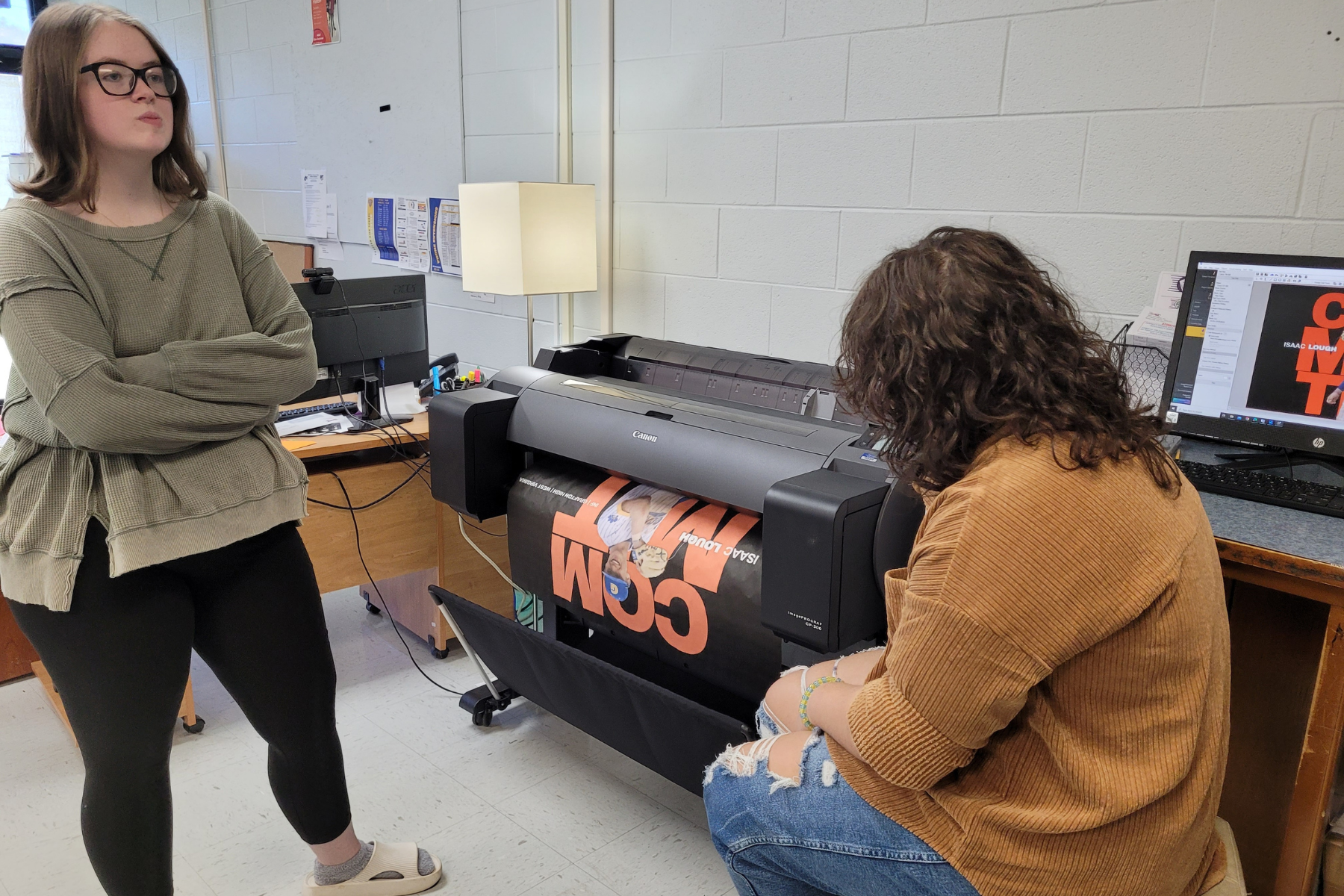
If your students want to design and sell banners, event posters, or larger graphics, a poster printer is a great place to start. It’s ideal for programs that want quick wins – big, eye-catching products with relatively simple production.

What Can Students Make with a Poster Printer?

  • Event Banners
  • Promotional Posters
  • Custom Art Prints
  • Graphics and Signage

Starting Point: AGC’s Educator Plus Poster Printer for Schools

AGC’s Educator Plus Poster Printer helps students create banners, posters, and classroom displays quickly and easily. Its intuitive interface and flexibility allow students to bring ideas to life for school events, fundraisers, and school-based enterprise projects.


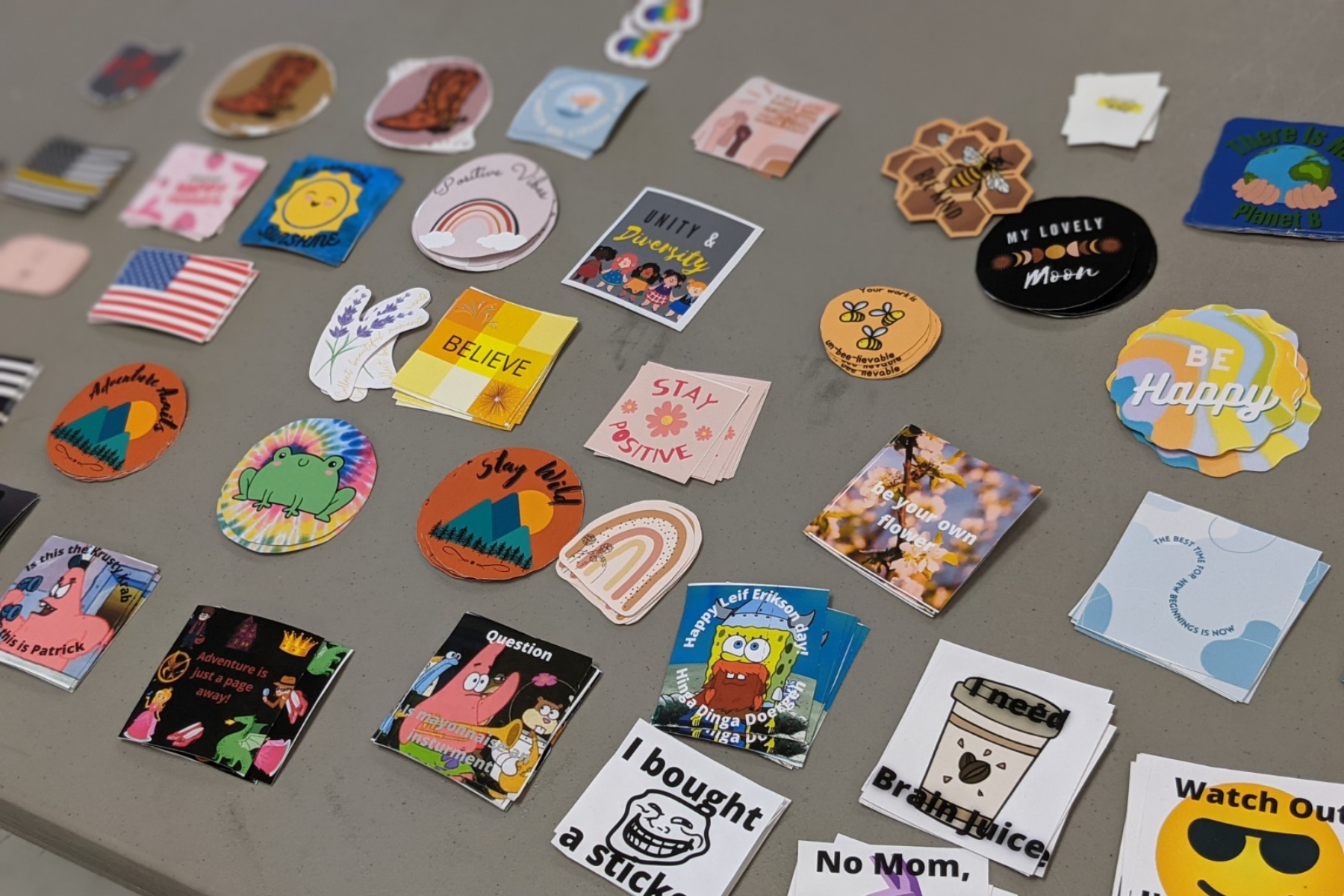
Vinyl cutters shine when students want to create small, personalized items. From laptop decals to car window stickers, this tool makes it easy to design and sell products that appeal to both peers and the wider community.

What Can Students Make with a Vinyl Cutter?

  • Custom Stickers
  • Car Decals
  • T-Shirts and Spritwear
  • Labels and Packaging

Starting Point: AGC’s Cut Out Studio Vinyl Cutter for Schools

AGC’s Cut Out Studio Vinyl Cutter lets students design and produce custom decals, stickers, and apparel with precision. Easy to use for beginners, it enables hands-on learning while students prepare products for school spirit items, fundraising, or student-led enterprises.


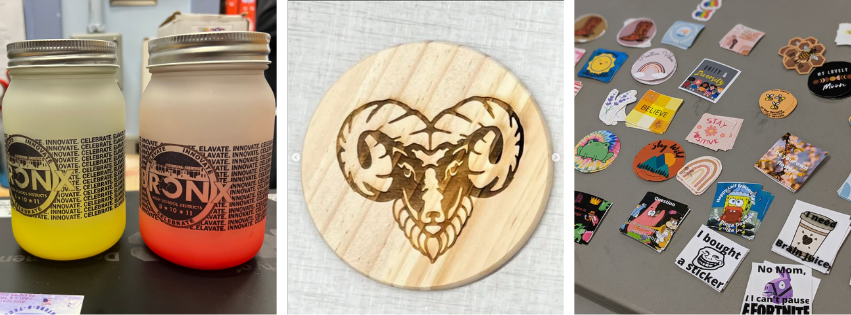
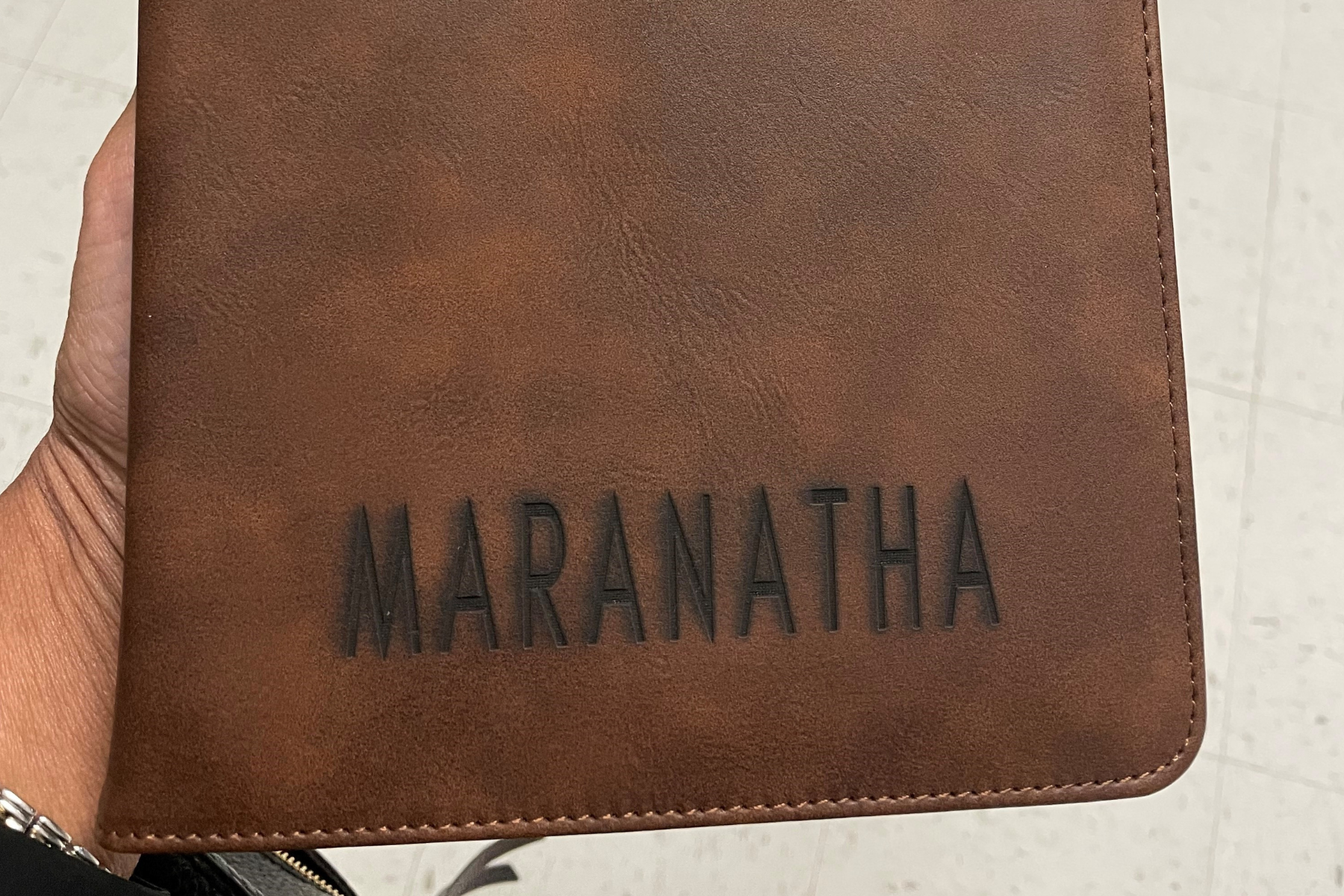
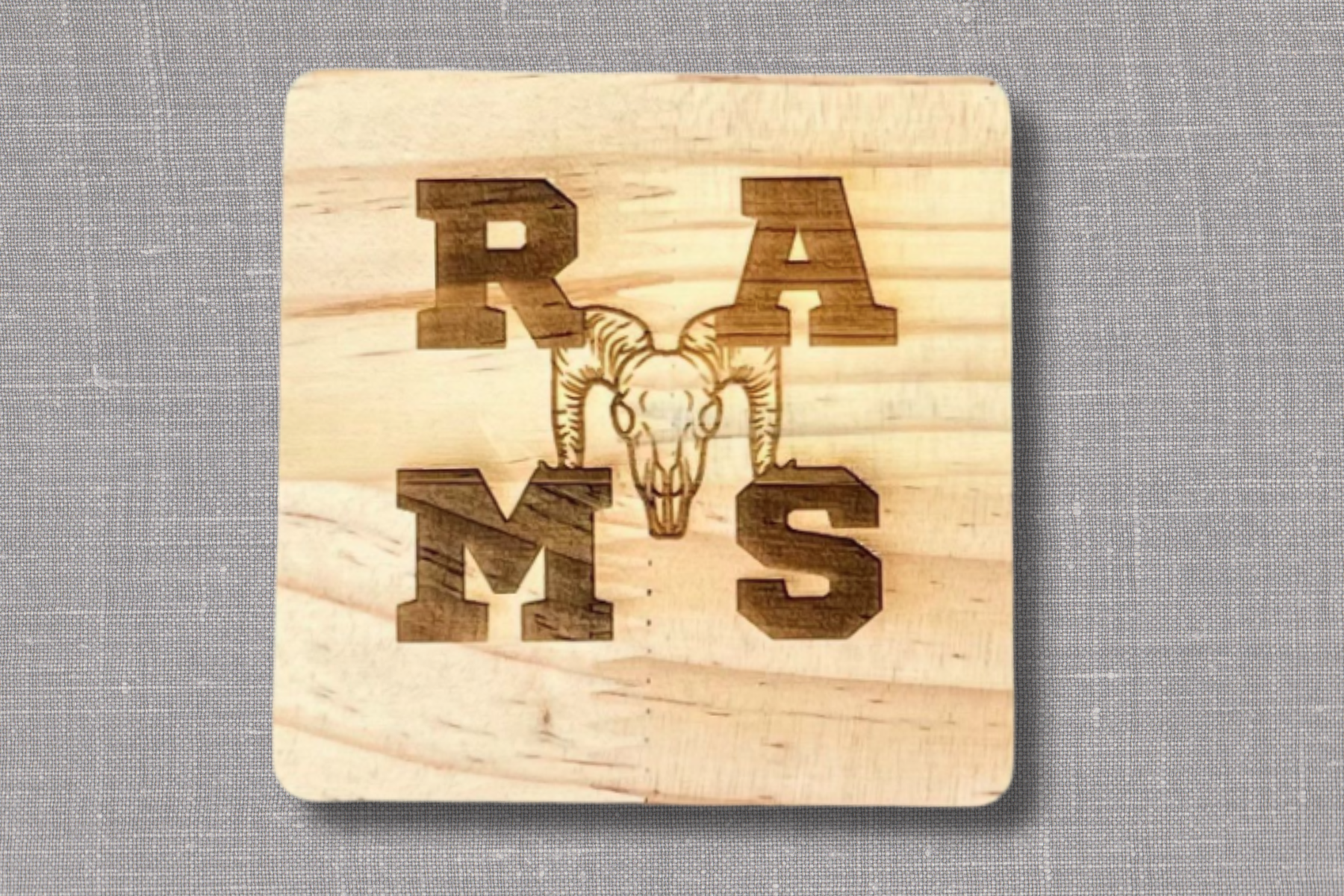
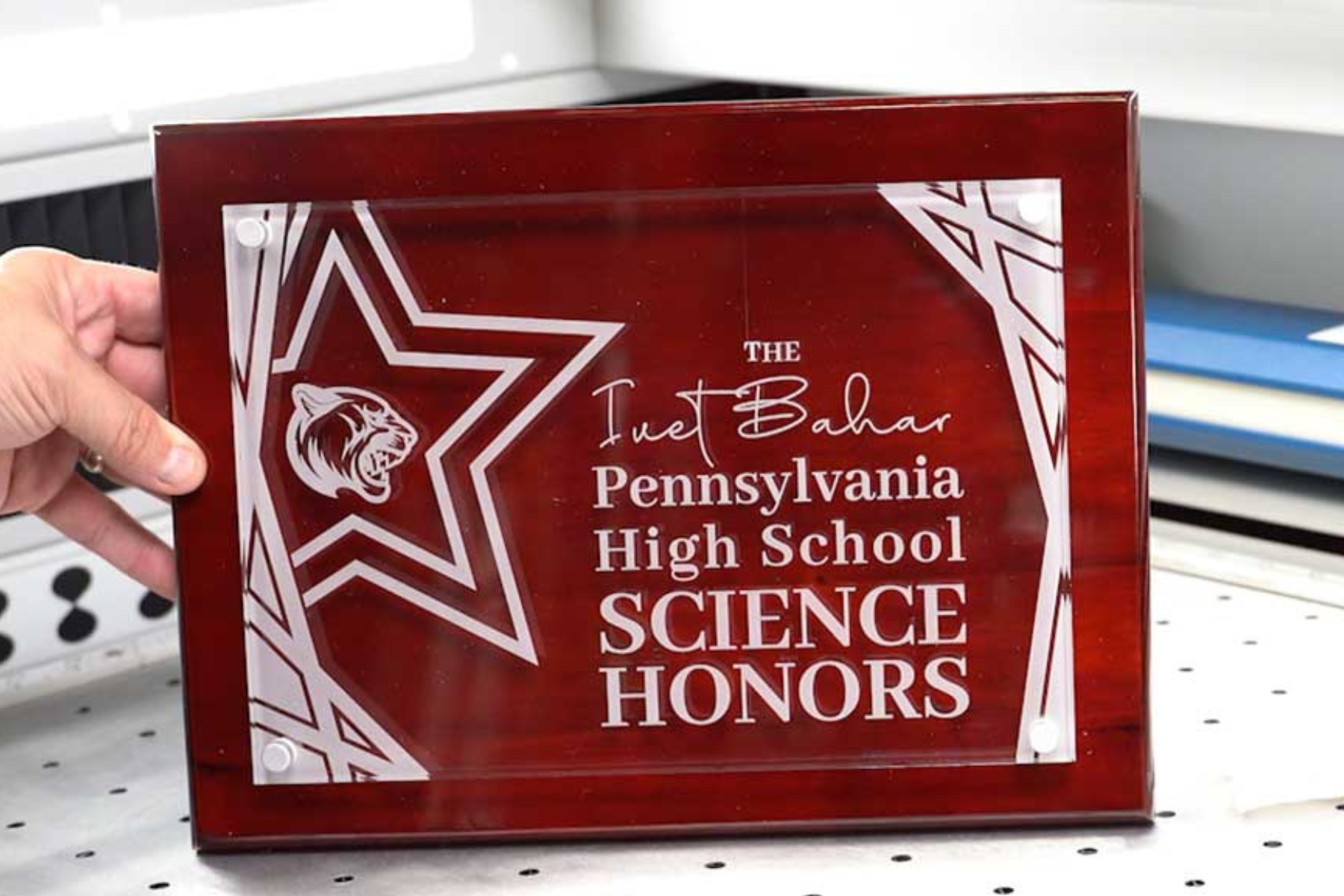
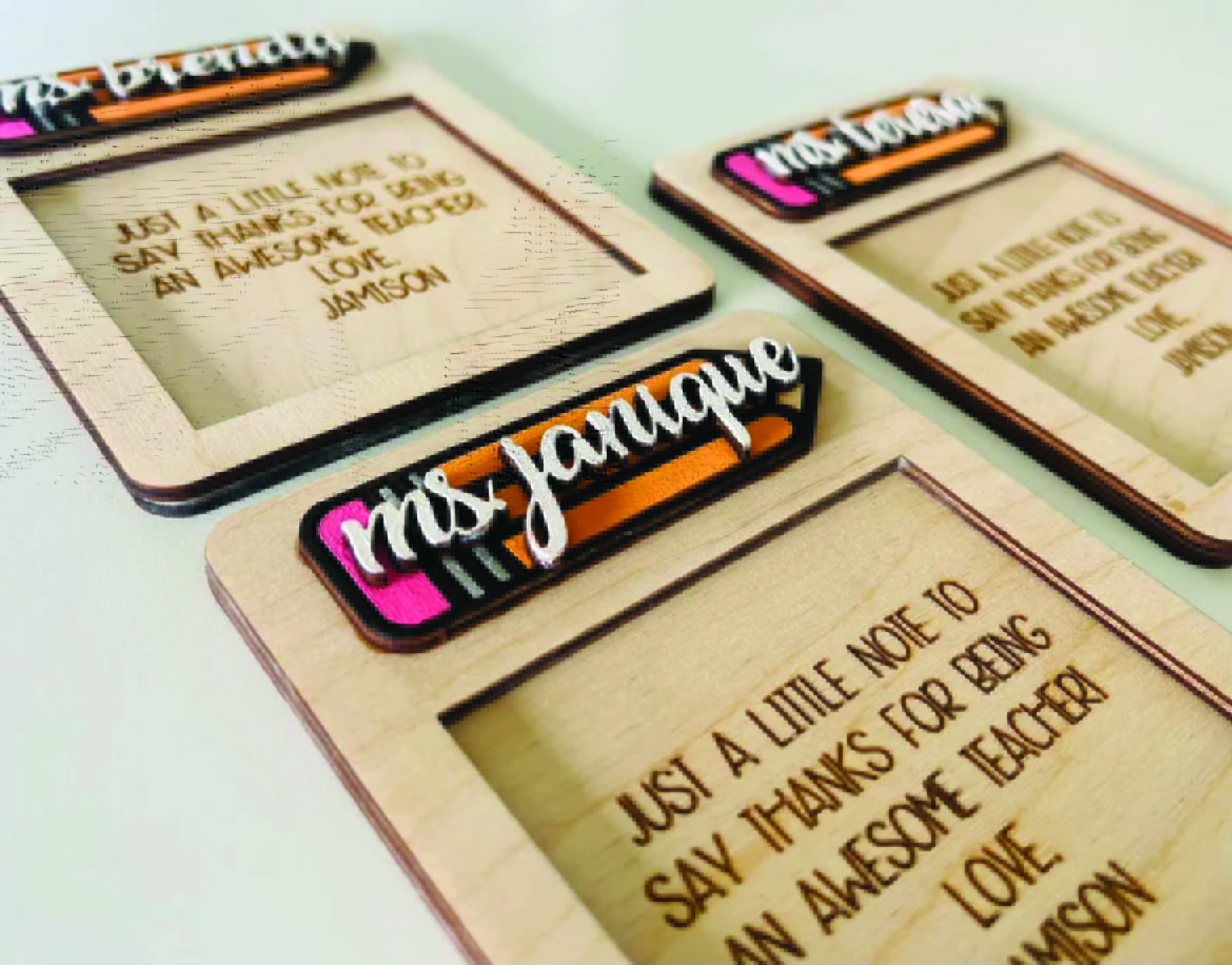
Laser engravers allow students to add a high-end feel to everyday items. Think engraved water bottles, keychains, or trophies. This is a great fit if your program is aiming for a more polished, retail-quality product line.

What Can Students Make with a Laser Engraver?

  • Personalized Gifts
  • Awards and Recognition Items
  • School Spirit Merchandise

Starting Point: AGC’s Laser Lab Engraver for Schools

AGC’s Laser Lab Engraver allows students to create personalized gifts, awards, and merchandise. Safe and user-friendly, it gives students professional-level engraving experience while supporting entrepreneurship and creative projects.


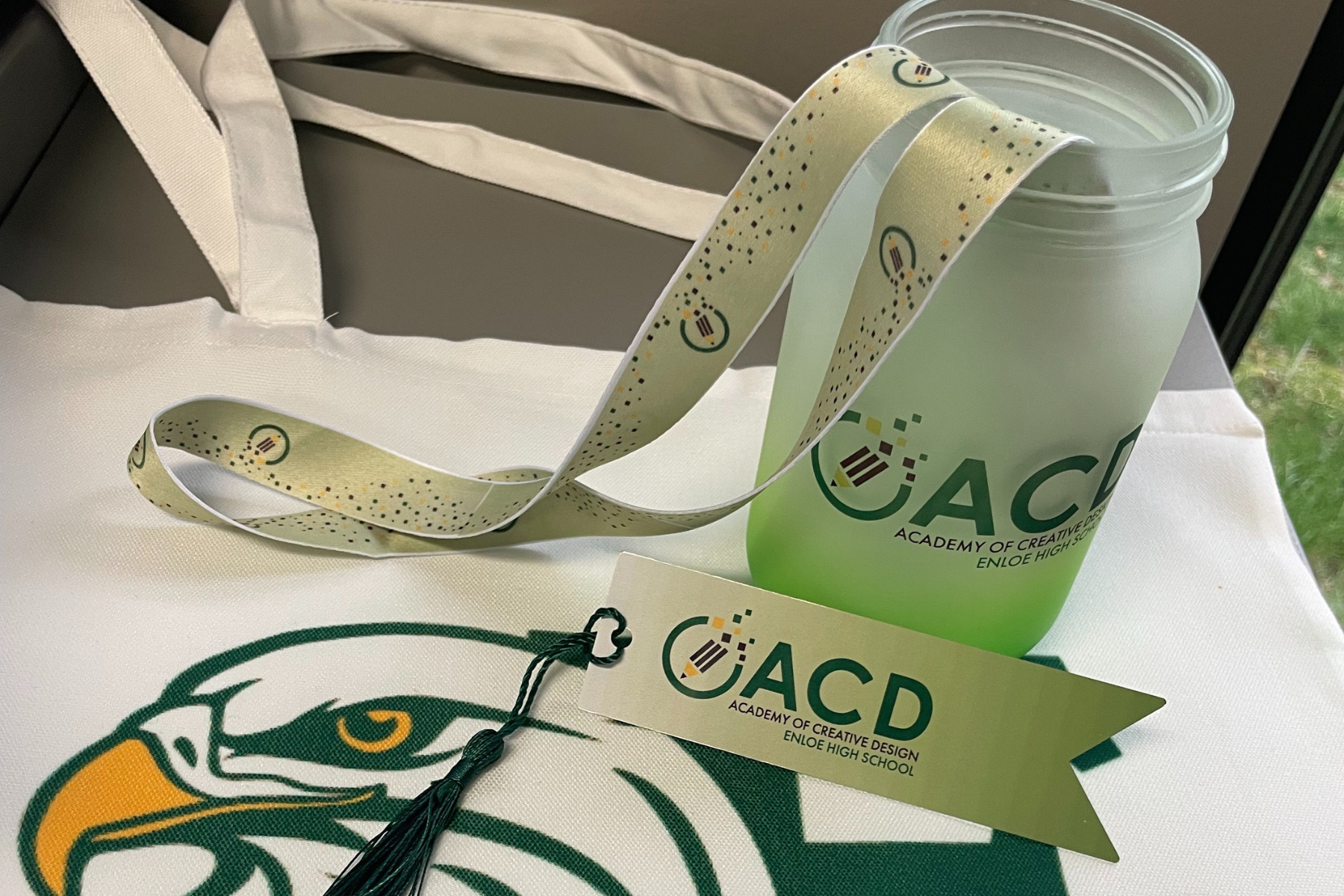
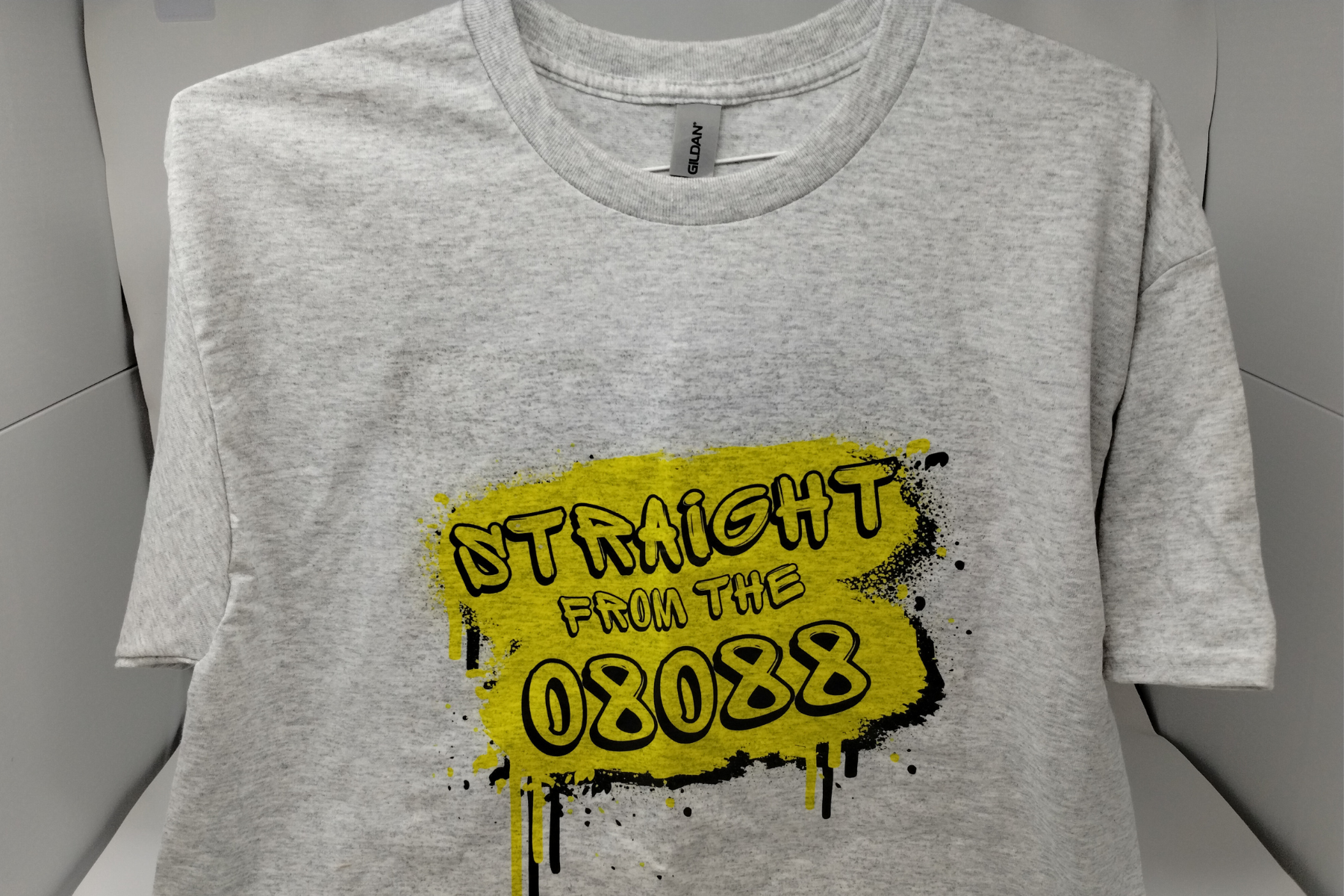
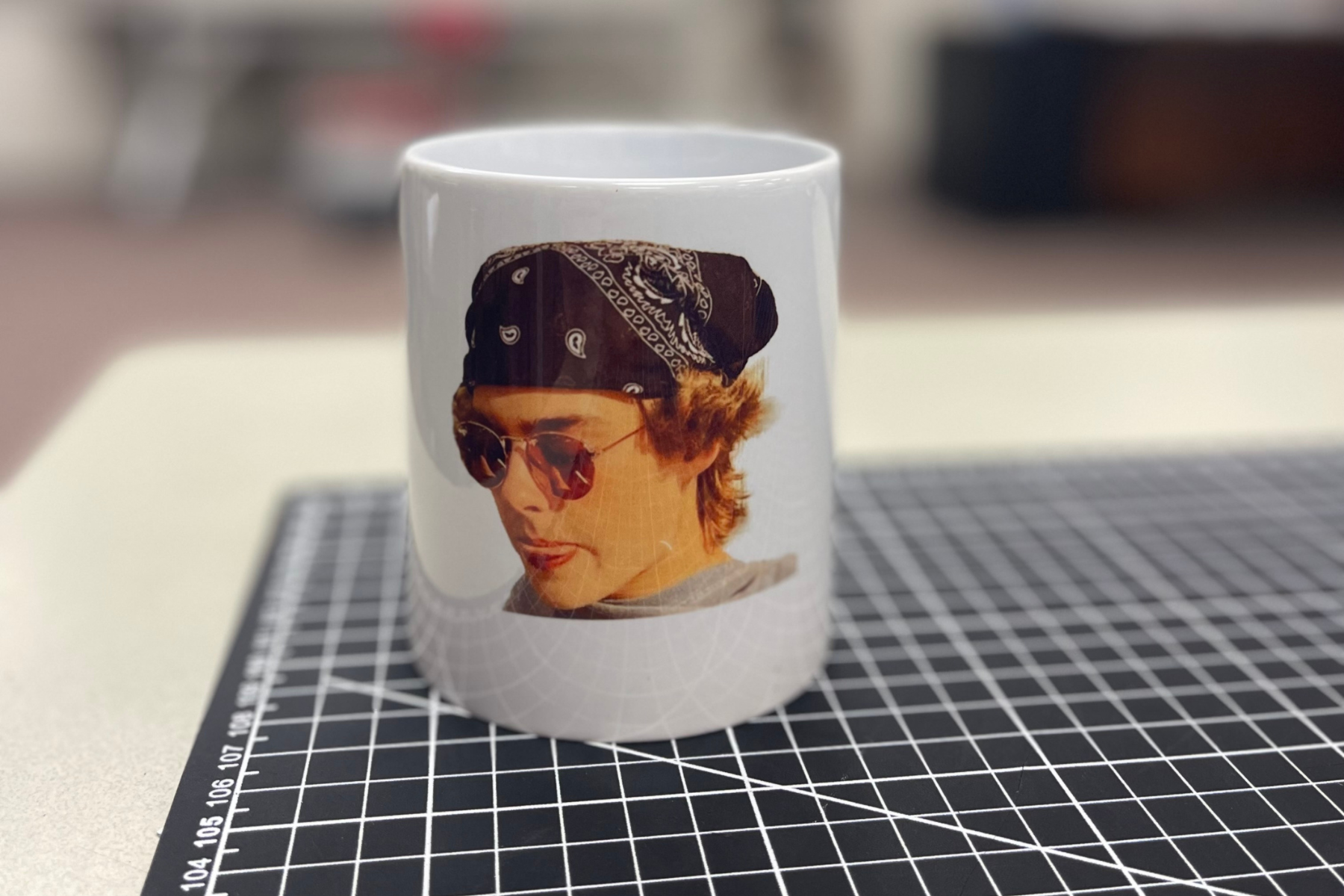
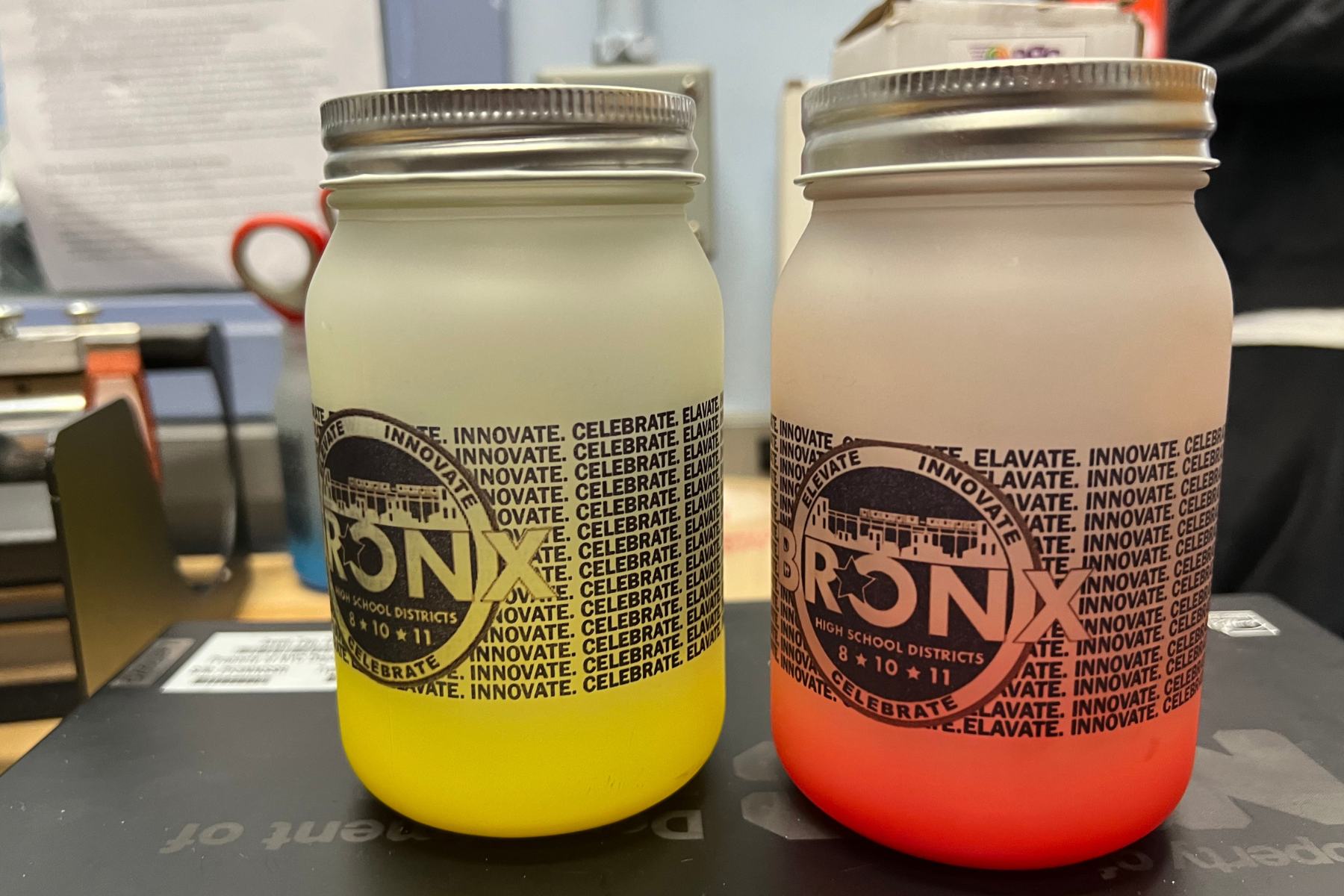
Sublimation printers open the door to custom apparel and gift items. T-shirts, mugs, and tote bags are all fair game, making this tool perfect for programs focused on spirit wear or community fundraising products.

What Can Students Make with a Sublimation Printer?

  • Custom Mugs and Drinkware
  • Apparel
  • Personalized Gifts
  • Home & Office Items

Starting Point: AGC’s Sublimation Station for Schools

AGC’s Sublimation Station Printer helps students produce high-quality merchandise like mugs, shirts, and ornaments. Its straightforward setup and reliable results make it ideal for teaching design and production skills in school-based business programs.


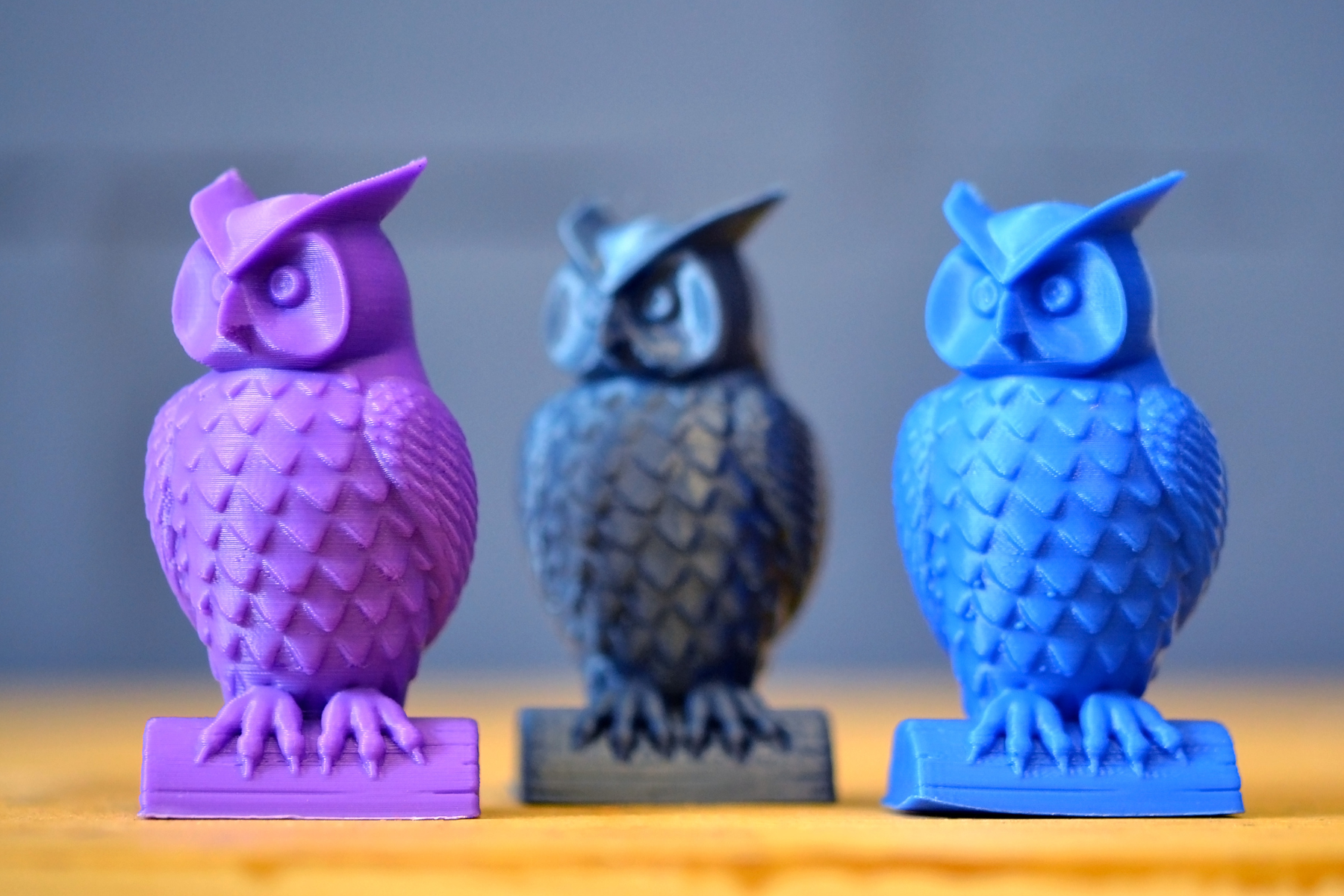
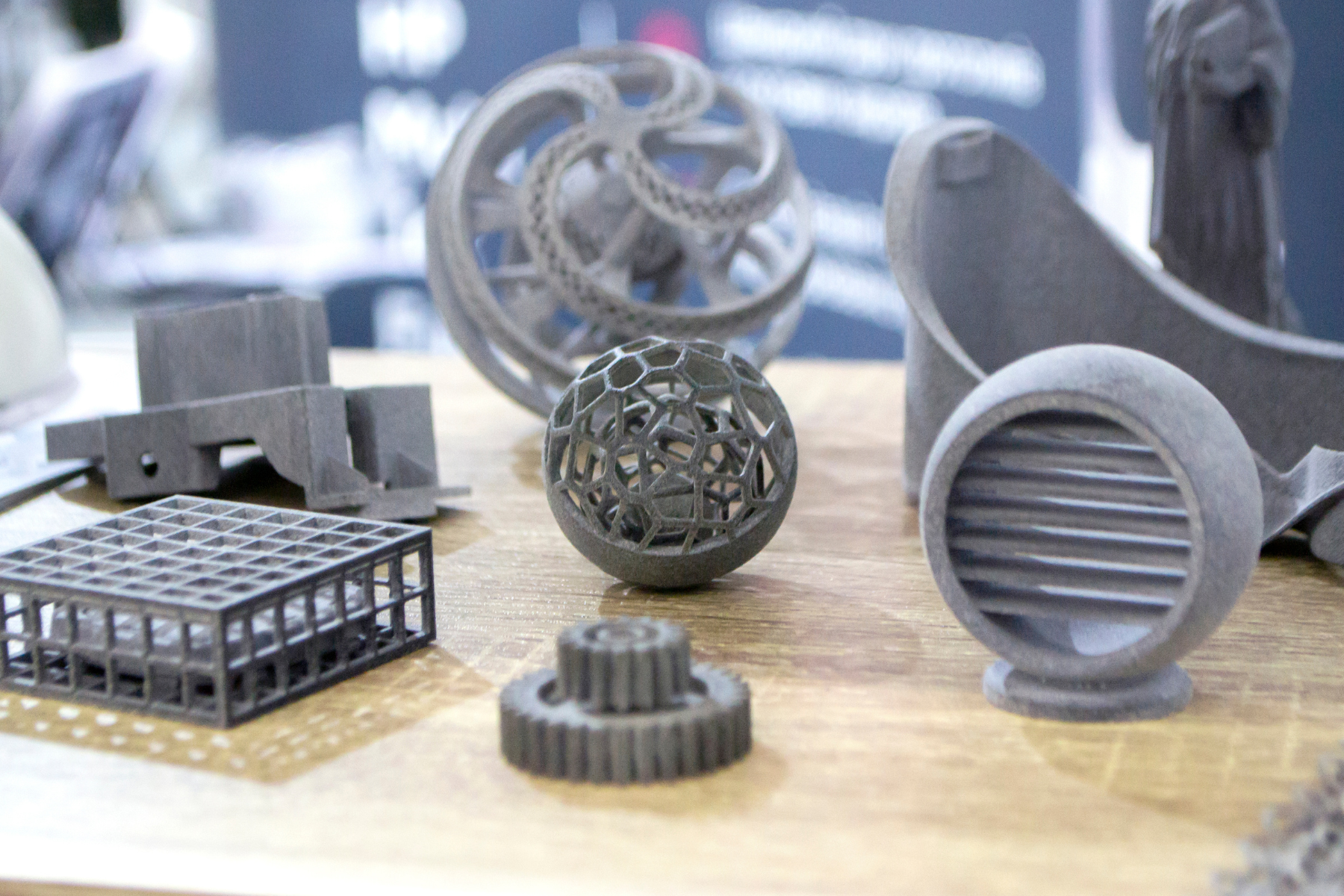
3D printers give students the power to design and build from scratch. Whether it’s prototyping inventions, making custom keychains, or producing replacement parts, this tech is ideal for schools emphasizing STEM and innovation alongside entrepreneurial education.

What Can Students Make with a 3D Printer?

  • Prototyping Product Ideas
  • Custom Merchandise
  • STEM-Linked Products

Starting Point: AGC’s Imagin3D Printer for Schools

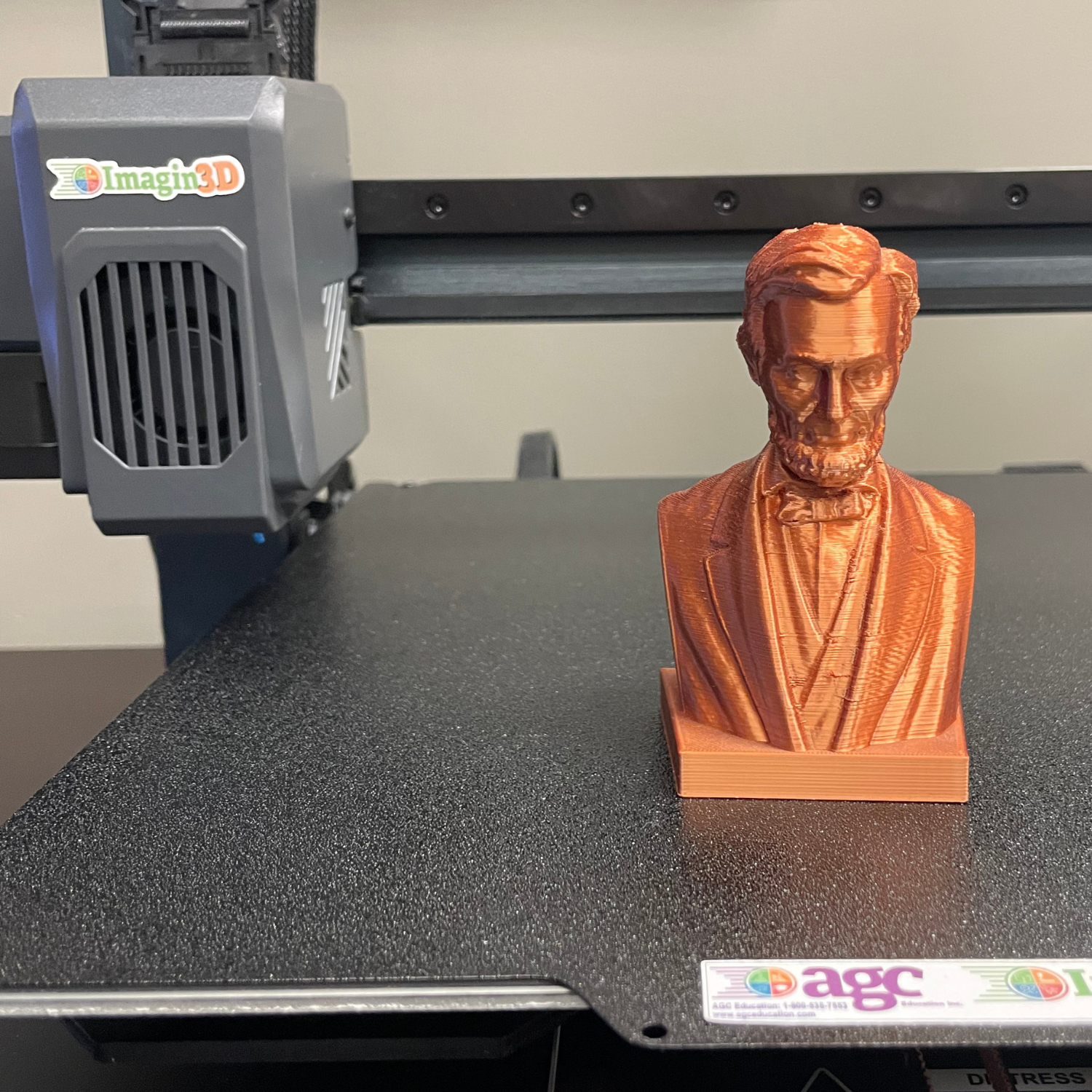
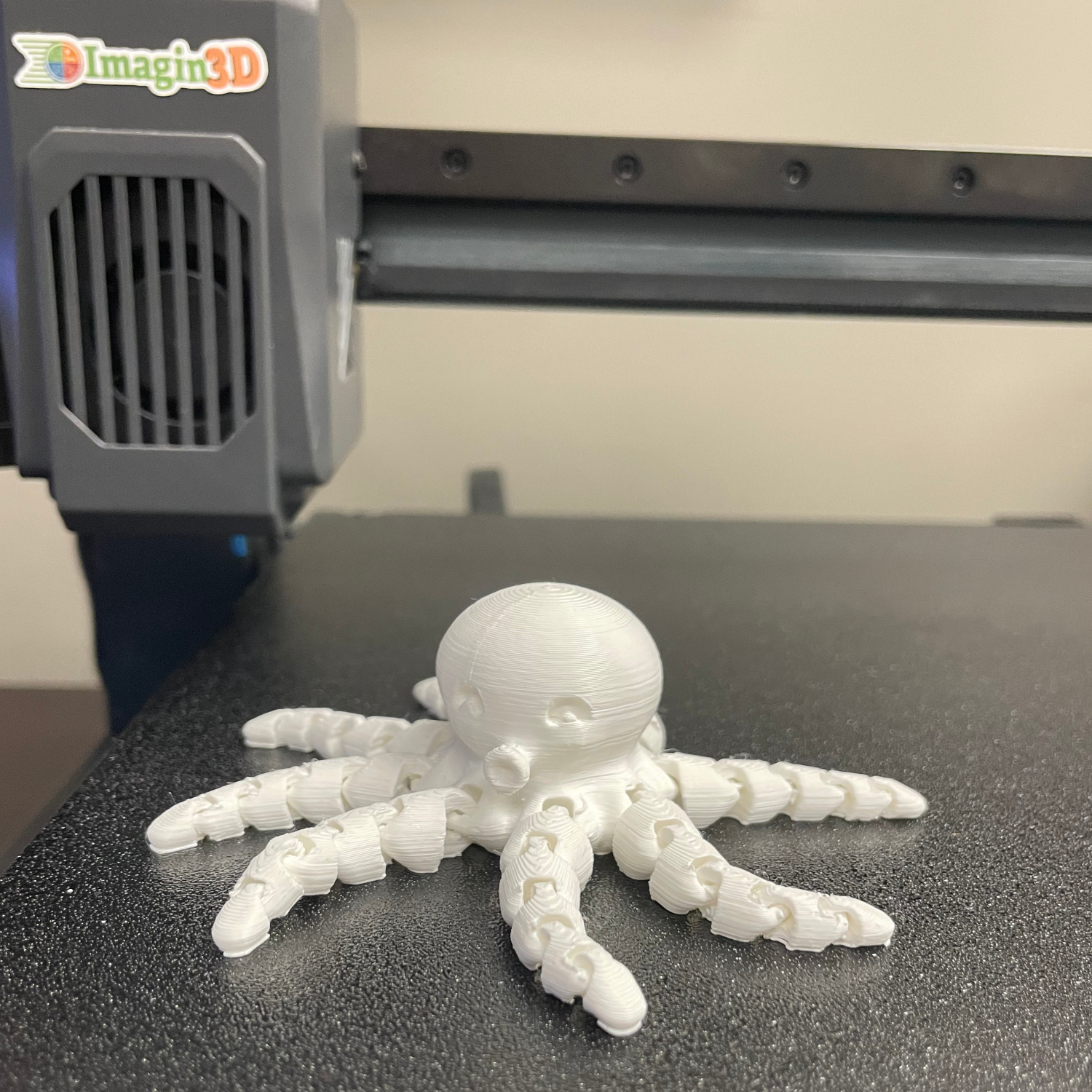
AGC’s Imagin3D Printer enables students to prototype and produce custom products such as keychains, figurines, or educational tools. Easy to learn and manage, it encourages creativity and problem-solving in school-based enterprises.


Comparing Technology for School-Based Enterprises

MachineBest ForMaterialsSkill LevelProductsBusiness Types
Poster PrinterSignage, marketing materialsPaper, vinyl, window film, magnetic, and othersBeginnerPosters, banners, signage, print itemsSchool print shops, event marketing services
Vinyl CutterDecals, stickers, custom apparelAdhesive and heat transfer vinyl materials Beginner – IntermediateStickers, t-shirts, tote bags
Spirit wear, custom merch, fundraising
Laser EngraverPersonalized & engraved productsWood, acrylic, metal, glass, and othersIntermediatePlaques, keychains, trophiesGifts, school awards, online merch shops
Sublimation PrinterHigh-quality, personalized merchandiseApparel, mugs, metal, ceramics, and othersIntermediateShirts, mugs, ornamentsSpirit merch, seasonal products, print-on-demand
3D PrinterPrototypes, STEM-linked productsPLA, ABS, resin, other plasticsIntermediateFigurines, models, toolsSTEM products, prototyping, custom goods


EmpowR Academy provides teachers with structured resources for running school-based enterprise programs. From selecting products to teaching business concepts, we help educators set up sustainable programs.

EmpowR Academy supports schools throughout implementation, helping with troubleshooting, scaling programs, and integrating lessons into existing curricula.

EmpowR Academy’s student certification programs give students a way to show what they’ve learned. They turn hands-on experience in design, production, marketing, and business management into credentials that students can include on resumes, portfolios, or college applications.

The EmpowR Academy team works directly with educators to ensure school-based enterprises are successful and adaptable to different school contexts. This partnership makes student entrepreneurship in schools sustainable, effective, and engaging.


Getting Started with School-Based Entrepreneurship in Your Classroom

Launching a school-based enterprise can feel overwhelming, but small steps make a big difference:

  • Start Small: Pilot a single product or project before expanding.
  • Match Tech to Goals: Use the comparison table to select the best tools for your program.
  • Incorporate Certification: Offer student credentials to increase engagement and provide real-world recognition.
  • Leverage Support: Use EmpowR Academy resources to guide implementation and keep programs on track.

Conclusion

School-based enterprises blend creativity, leadership, and business skills in ways few classroom experiences can match. By selecting the right technology and leveraging resources from AGC’s EmpowR Academy, schools can create programs that are both successful and sustainable.

Start small, choose tools that fit your students’ ideas, and let EmpowR help every step of the way. Your students can turn their ideas into thriving school-based businesses – and gain skills that last a lifetime.

Getting Started with 3D Printing in the Classroom: Beginner’s Guide

3D printing has moved from industry labs into everyday classrooms. Today, schools of all sizes are using this technology to make learning more engaging, hands-on, and creative. Whether students are building models of ecosystems, printing parts for engineering projects, or designing custom classroom tools, 3D printing gives them a chance to bring ideas into the real world.

For many educators, the hardest step is knowing how to begin. Which printer makes sense for a classroom? What projects will spark interest? How do teachers build confidence without feeling like experts? This guide answers those questions while introducing the Imagin3D Package from AGC Education – a complete solution designed to help schools launch 3D printing programs with ease.

Why 3D Printing Belongs in the Classroom

3D printing supports learning across nearly every subject area, making it one of the most versatile tools schools can introduce. Instead of staying siloed in one department, it creates opportunities for collaboration between teachers, subjects, and grade levels – lending itself well to project-based learning.

  • STEM Integration: Students explore design thinking, engineering, and real-world problem solving.
  • Math Connections: Geometry, measurement, and scale become tangible through models students can hold.
  • Science Exploration: From molecules to fossils, printed models help learners visualize abstract concepts.
  • Arts and Humanities: Projects like dioramas and storytelling artifacts blend creativity with content knowledge.
  • Career and Technical Education (CTE): Students gain exposure to tools used in modern industries such as healthcare, architecture, and manufacturing.

By combining creativity with technical skills, 3D printing not only enriches daily classroom learning but also prepares students for the future.


Not every 3D printer is a good fit for education. Many consumer models are built for hobbyists or industry, not the classroom. Schools need printers that are safe, dependable, and simple to manage – tools designed to meet the unique demands of teaching and learning.

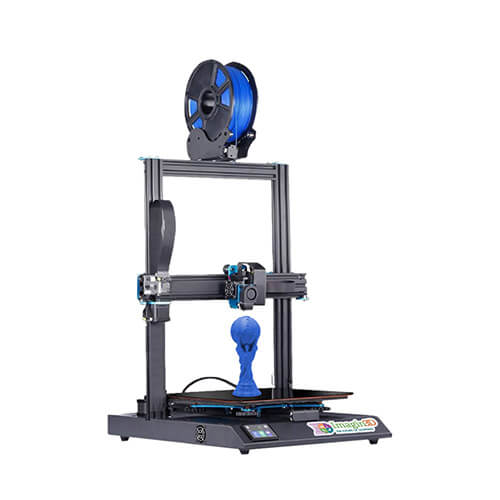
That’s where the Imagin3D Package comes in. Built with an Artillery core, this bundle is designed to meet the specific needs of educators and students.

Key features include:

  • Enclosed Build Chamber with Lighting and Ventilation: Keeps prints contained, reduces odors, and allows teachers to monitor projects safely.
  • Auto Bed Leveling: Eliminates calibration headaches so prints succeed on the first try.
  • Wi-Fi Connectivity: Teachers can send files directly to the printer without swapping USB drives.
  • Starter Kit Included: Comes with five colors of PLA filament and a complete toolkit for maintenance and finishing.
  • Peace of Mind: A two-year warranty, plus U.S.-based support from AGC Education.

This combination of features means teachers can focus on projects instead of troubleshooting.

Imagin3D printer for schools


Having a printer is only part of the equation. Teachers also need ideas that fit into real classrooms. That’s why AGC developed STEM3D Lesson Starters — 20 ready-to-use activities that make it simple to introduce 3D printing across content areas.

Examples include:

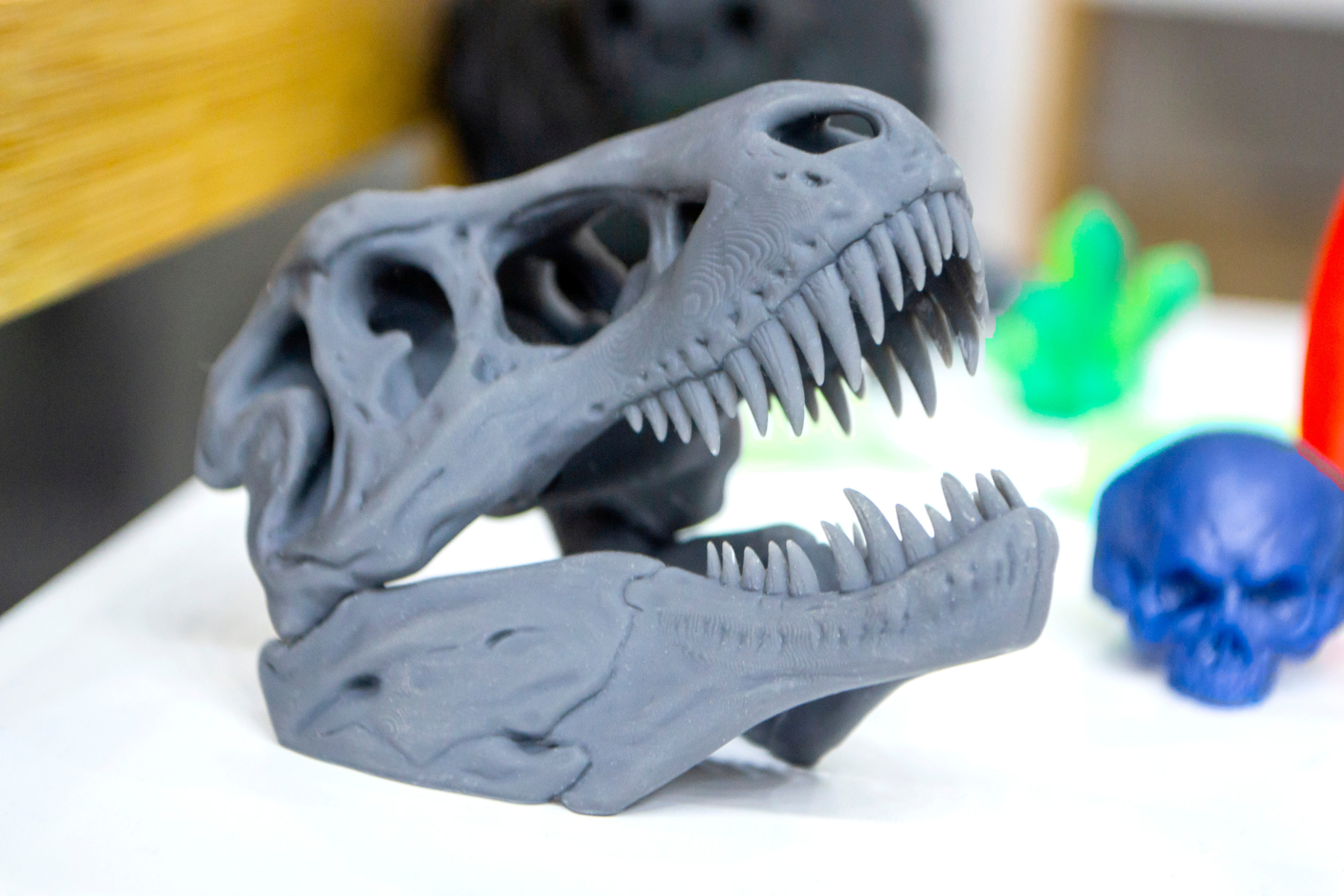
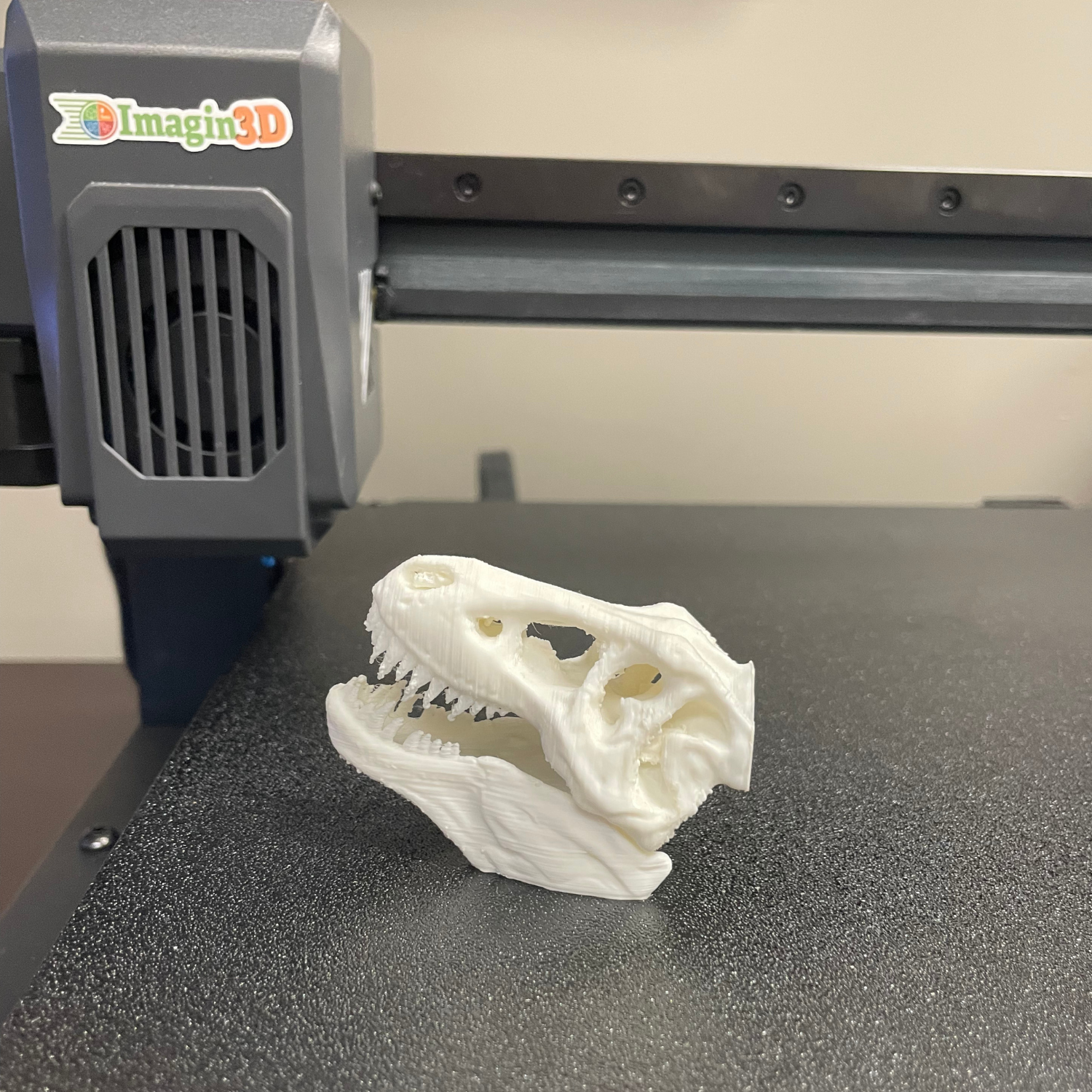
  • Dig A Dino: Print and assemble a dinosaur skeleton for a hands-on science project.
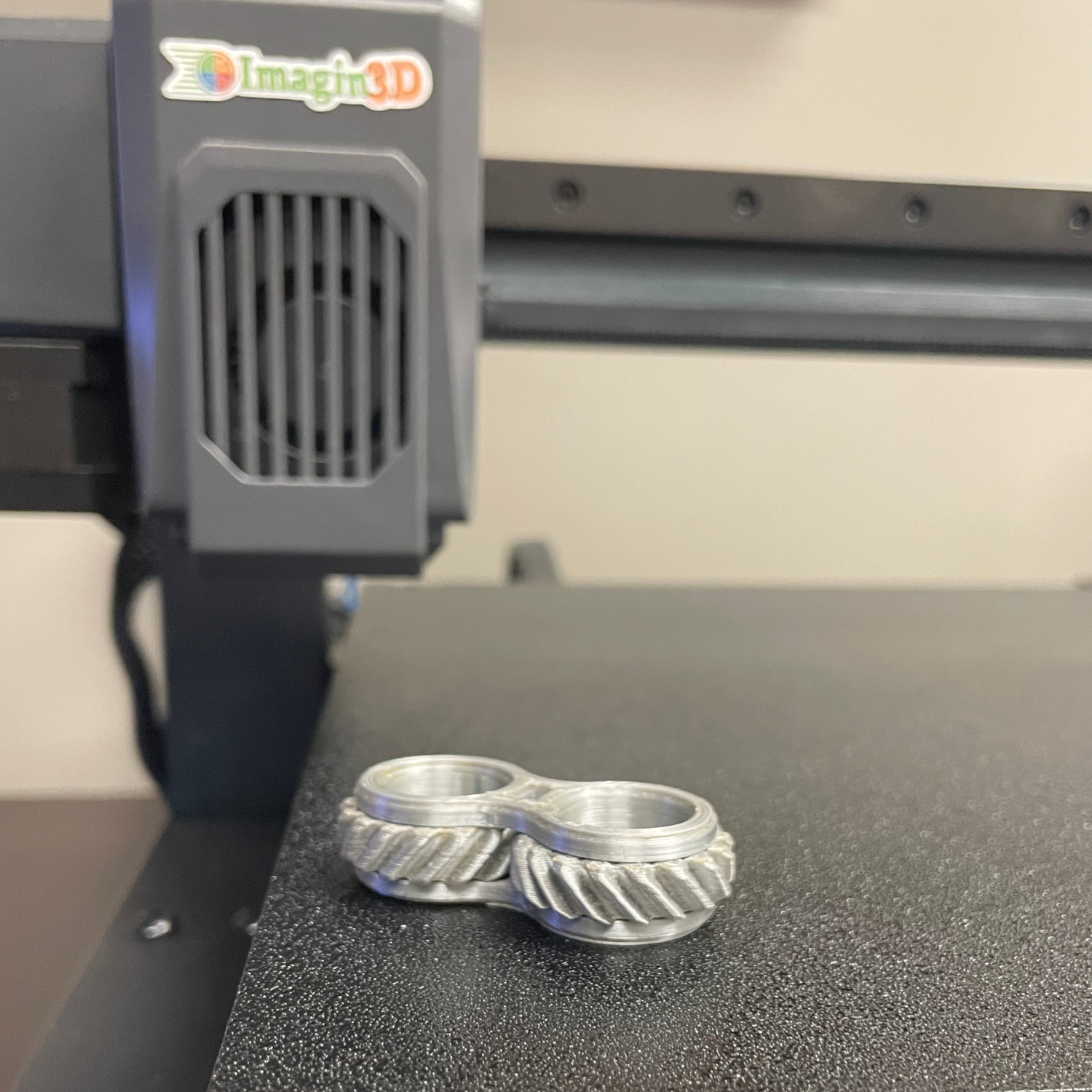
  • De-Stress Plan: Design and print fidget spinners while exploring balance and rotational movement.
  • Measuring 3D Angles: Create tools that connect geometry to engineering practice.
  • Build a Diorama: Print plants, animals, and scenery to build detailed dioramas for history or ELA.

These lessons provide a solid foundation while allowing teachers to adapt and add their own creative touches.


Even with the best 3D printer in the world, success in the classroom comes down to one thing: teacher confidence. That’s why every Imagin3D Package includes access to EmpowR Academy, our professional development program built specifically for educators.

EmpowR is designed to meet teachers and schools exactly where they are. Whether you’re brand new to 3D printing or looking to connect technology with broader schoolwide goals, there’s a level that fits your needs.

Standard

Perfect for beginners, this level provides step-by-step guidance on using the equipment. Teachers learn setup, slicing software, filament loading, classroom safety, and troubleshooting. Standard ensures every educator can get started with confidence right out of the box.

Premier

For schools ready to move beyond “how it works” into “how it fits,” Premier focuses on curriculum connections and classroom integration. Teachers receive lesson templates, ready-to-use STL files, and resources that tie directly into math, science, ELA, and art projects. This level bridges the gap between technology and teaching, making 3D printing a natural extension of the curriculum.

Platinum

Designed for schools that want 3D printing to support bigger initiatives, Platinum goes beyond classroom integration. In addition to all the Premier resources, it includes advanced professional development on connecting 3D printing with PBIS, SEL, climate and culture, and even fundraising efforts. Platinum equips educators not just to use 3D printing, but to leverage it as a tool for schoolwide growth and transformation.


With this tiered approach, teachers aren’t locked into a “one-size-fits-all” training. Instead, schools can choose the path that makes sense for their staff and their goals — knowing they’ll have the support and resources to succeed at every step.


black and blue audio mixer

When schools buy a 3D printer off-the-shelf, they often discover that help is limited or nonexistent once the box is open. That’s where AGC stands out. We know teachers don’t have time to dig through forums or troubleshoot alone, which is why every Imagin3D Package comes backed by people and resources designed specifically for education.

Our U.S.-based team of education specialists is always just a phone call or email away, ready to walk you through any challenge. Whether you’re unboxing your printer for the first time or tackling a complex classroom project, you’ll have step-by-step guidance that grows with you. Beyond technical help, schools also gain access to education-specific resources – including ready-to-use lesson starters, professional development opportunities, and ongoing updates tailored for teachers.

This combination of personal support and classroom-ready content means schools are never left to figure things out alone. Instead, teachers can focus on what matters most: guiding students and inspiring creativity.


Launching a 3D printing program doesn’t need to feel overwhelming. Most schools start small with simple projects – keychains, classroom tools, or basic prototypes – and gradually build confidence. With each success, teachers and students begin to imagine bigger possibilities and take on more ambitious work.

Over time, those first projects can evolve into:

  • Robotics parts and engineering prototypes
  • Projects that support school-wide initiatives like PBIS or fundraising
  • Cross-curricular projects that combine science, math, and art
  • Career-focused CTE applications such as medical models or architectural drafts
  • Extracurricular STEAM clubs and makerspaces

The Imagin3D Package is built to support that growth. It provides a solid foundation that lets teachers and schools expand at their own pace – whether you want to start with small classroom wins or develop a full-scale program that transforms how students learn and engage.


What Teachers and Schools Are Saying

When it comes to customer support and ease of ordering supplies AGC is top notch! Many companies forget who their customers are once the check has been signed. AGC stands out above them all!

Kenneth D Bailey Staff

Kenneth D. Bailey Academy, IL

Great Customer Services, No Voice Mails, Instant assistance great training and a great system all rolled up in one.

Julie B.

Abraham Lincoln Elementary, CA

Great Training Program and customer Service

Darryl Y.

Griffin Middle, GA

Extremely patient, kind and resourceful (especially with a first time, inexperienced, needy media specialist)

Laura C.

Cedartown Middle School, GA

Went through the training 1,2,3. Love the ease of use and great customer service at any time

Janelle H.

Martin Grade School, SD


The Imagin3D Package is built to help teachers succeed from day one. Beyond the printer itself, the package includes 20 ready-to-use STEM3D lessons, access to EmpowR Academy for professional development, and ongoing support from AGC’s U.S.-based education specialists. Whether you need guidance on getting started, troubleshooting, or integrating 3D printing into your curriculum and school initiatives, the resources and support provided make it easier to focus on teaching and engaging students, rather than worrying about technical challenges.

To get started, you need three things: a reliable printer, filament, and classroom projects. The Imagin3D Package provides all of this, plus guidance through EmpowR Academy. Teachers gain access to on-demand modules and live sessions covering setup, software, troubleshooting, and classroom implementation tips. This combination ensures you can start printing meaningful projects with your students on day one without feeling overwhelmed.

Students can use 3D printers to bring learning to life across subjects. In science, they might create models of dinosaurs or molecules, while math lessons become hands-on through custom tools and 3D shapes. Arts and humanities projects can include dioramas, sculptures, or artifacts to enrich storytelling. Engineering and CTE classes benefit from designing and prototyping functional models. These activities build design thinking, problem-solving, and collaboration skills, helping students connect classroom concepts to real-world applications.

Teachers can learn through EmpowR Academy, which provides training that meets them where they’re at. The Standard level walks beginners through every step: setup, slicing software, filament management, and troubleshooting. Premier and Platinum levels add curriculum integration, templates, STL files, and guidance on connecting projects to school initiatives like PBIS, SEL, and culture-building activities. With structured, tiered support, educators can choose the level that fits their skills, schedule, and classroom goals.

Absolutely! 3D printing provides hands-on learning opportunities that help students understand STEM concepts, develop creative thinking, and gain skills relevant to future careers. With the right support, lesson resources, and teacher training, schools can turn 3D printing into a transformative educational tool.


Final Thoughts: A Teacher-Friendly Way to Get Started with 3D Printing

As a teacher, introducing a new technology can feel overwhelming – but it doesn’t have to be. The Imagin3D Package gives you everything you need to bring 3D printing into your classroom with confidence. From a reliable, classroom-ready printer to five colors of filament, a 3D printing toolkit, and 20 ready-to-use STEM3D lessons, the package is designed so you can focus on teaching instead of troubleshooting. Plus, with EmpowR Academy, you can choose the training level that fits your comfort and goals.

This all-in-one solution puts teachers first. You get support every step of the way, practical resources for your classroom, and the flexibility to grow your program at your own pace. By starting with Imagin3D, you can bring 3D printing to life for your students, making STEM learning more interactive, meaningful, and fun.


Ready to Bring 3D Printing to Your School?

The Ultimate 3D Printer Maintenance Checklist

Maintenance is an essential part of having a 3D printer. Like any machine, it needs a bit of care and upkeep from time to time to ensure it remains in working order. Whether you’re new to 3D printing or have an entire collection of custom 3D prints you’ve made, you’ll need to take care of your printer. 

The must-do maintenance tasks vary from day to week, week to month, month to quarter, and quarter to year. By completing these tasks, you can avoid issues like clogged nozzles, poor print quality, and mechanical malfunctions, ultimately maximizing your printer’s lifespan. Here are the tasks to add to your 3D printer maintenance checklist.  

What are 3D Printers?

A 3D printer, or three-dimensional printer, is a machine that creates a three-dimensional object using information from a digital model. It adds layers of plastics, such as composite or bio-materials, on top of each other to create the final product. These machines are incredibly versatile and can be used for a wide range of projects, from school science projects to functional crafts (like a planter or desk organizer). 

The Importance of Regular Maintenance

Like any machine, 3D printers need regular maintenance. They don’t last forever, but with proper care and upkeep, you can give them the best chance at lasting the longest. Without proper maintenance, you might run into issues such as clogged nozzles, poor print quality, and inconsistent filament extrusion. So, it’s best to stay on top of 3D printer maintenance tasks. 

Daily Maintenance Tasks

If you use your 3D printer daily, complete these maintenance tasks. Even if you don’t use your printer daily, it’s still a good idea to complete these tasks after each use. 

Clean the Print Bed

A clean print bed is essential to ensure the print adheres well and doesn’t end up as a failed mess. So, follow the manufacturer’s recommended cleaning instructions. Generally, this involves cleaning with a lint-free cloth and isopropyl alcohol to ensure the bed is debris-free. 

Inspect the Nozzle

Clogged and damaged nozzles can affect print quality. Before and after each print, take a look at the nozzle. Look for filament build-up or blockages. If you find issues, use a nozzle cleaning needle or a piece of fine wire to clear debris. If the clog is severe, a replacement might be necessary. 

Check Filament Quality

Good-quality filament is essential to produce quality prints. Check your filament for signs of damage or issues, such as moisture absorption, brittleness, or tangling. To ensure that the filament remains in prime condition, store it in a dry, sealed container with desiccant packs when you’re not using it. 

Weekly Maintenance Tasks

Some maintenance tasks need to be done frequently, but not quite as often as daily. Here are a few weekly tasks to add to your to-do list:

Lubricate Moving Parts

Each week, lubricate the moving parts. Proper lubrication helps ensure everything can move smoothly, reducing friction and wear on moving components. If you’re not sure what oil or lubricant to use on your 3D printer, check the manufacturer’s instructions. 

Tighten Belts and Screws

Take a peek at the belts and screws that allow the system to function. If these are loose, they might cause poor print quality and mechanical hiccups. So, check all belts for proper tension and tighten loose screws you come across. Don’t overtighten either—ideally, both should be taught but not overly tight. 

Calibrate the Bed Level

The print bed needs to be level to ensure that the print turns out well. If it’s tilted in any direction, the print may not adhere properly, and the final print quality might be poor. Use a piece of paper or a feeler gauge to verify its level, checking the distance between the nozzle and bed at multiple points. 

If necessary, adjust the bed level using the calibration knobs or screws. 

Monthly Maintenance Tasks

Select a day each month to tick off your monthly 3D printer maintenance tasks, including:

Deep Clean the Extruder

The extruder needs to remain clean and unobstructed to ensure consistent filament feeding and print quality. Each month, disassemble the extruder and thoroughly clean each component. While you’re cleaning, inspect each component for signs of wear or damage and replace parts as needed. 

Inspect the Cooling Fans

The cooling fans on your printer help prevent overheating and improve print quality. Check the fans, removing any dust and debris using compressed air. Confirm that the fans are spinning freely—if you find one that is noisy or not functioning properly, replace it. 

Check Electrical Connections

If your printer’s electrical connections are loose or damaged, they could become a safety hazard and cause printer malfunctions. Inspect all electrical connections, checking for signs of wear or damage. Replace any frayed or damaged wires. 

Quarterly Maintenance Tasks

Every quarter, complete these maintenance tasks:

Update Firmware

Firmware updates can boost your printer’s performance and fix known issues. While an update might not be available every quarter, it doesn’t hurt to check. You can find available updates on the manufacturer’s website. Generally, you’ll find instructions on how to update the printer’s firmware there, too. 

Inspect the Hot End Assembly

The hot end assembly is integral for proper filament extrusion. Each quarter, take apart the hot and examine each component for wear or damage. If necessary, replace worn or damaged parts. Before you put it all back together, clean each part thoroughly. 

Examine the Frame and Structural Components

Your printer needs a sturdy frame to do its job. If the frame is loose or damaged, the printer might not be able to accurately print your projects or might encounter mechanical hiccups. So, take a peek at the frame. Look for signs of loosening or damage. Tighten loose bolts and screws to ensure that the frame is square and level. 

Annual Maintenance Tasks

Pick a day each year to complete all of the tasks that require annual attention, including:

Replace Worn Components

After a while, the parts on your 3D printer might begin to wear out, especially if you use it frequently. So, each year, inspect all major components, including the belts, rods, and bearings. If they look tired and ready for retirement or damaged, replace them. 

Fully Calibrate the Machine

It’s important to fully calibrate your machine at least once each year. This ensures your printer performs optimally, and while it might take a while, it’s good to do it at least once a year. Follow your printer’s calibration procedures and use calibration prints to fine-tune settings and ensure accuracy.

Perform a Safety Check

Confirm that your printer is still functioning safely and efficiently each year. Thoroughly inspect all components, especially the electrical components, for signs of wear or damage. Make sure that all safety features, such as thermal cutoffs and fuses, are functioning as they should. If your printer has an enclosure, confirm that it’s secure and well-ventilated. 

Start Printing With AGC Education

A well-maintained 3D printer can operate smoothly and efficiently, helping you create all sorts of projects, from school projects to room decor. With regular daily, weekly, monthly, quarterly, and annual maintenance, you can keep your printer running in tip-top shape, ensuring it’s always ready for your next project. 

If you’re ready to start creating 3D projects with a printer or need a few items for your 3D printing projects, we’re here to help. At AGC Education, we offer everything you’ll need to get started, including 3D printers, printer enclosures, and all sorts of supplies. Contact us today to learn more.