3D Printer for Schools: Turnkey Classroom 3D Printing Solutions from AGC Education
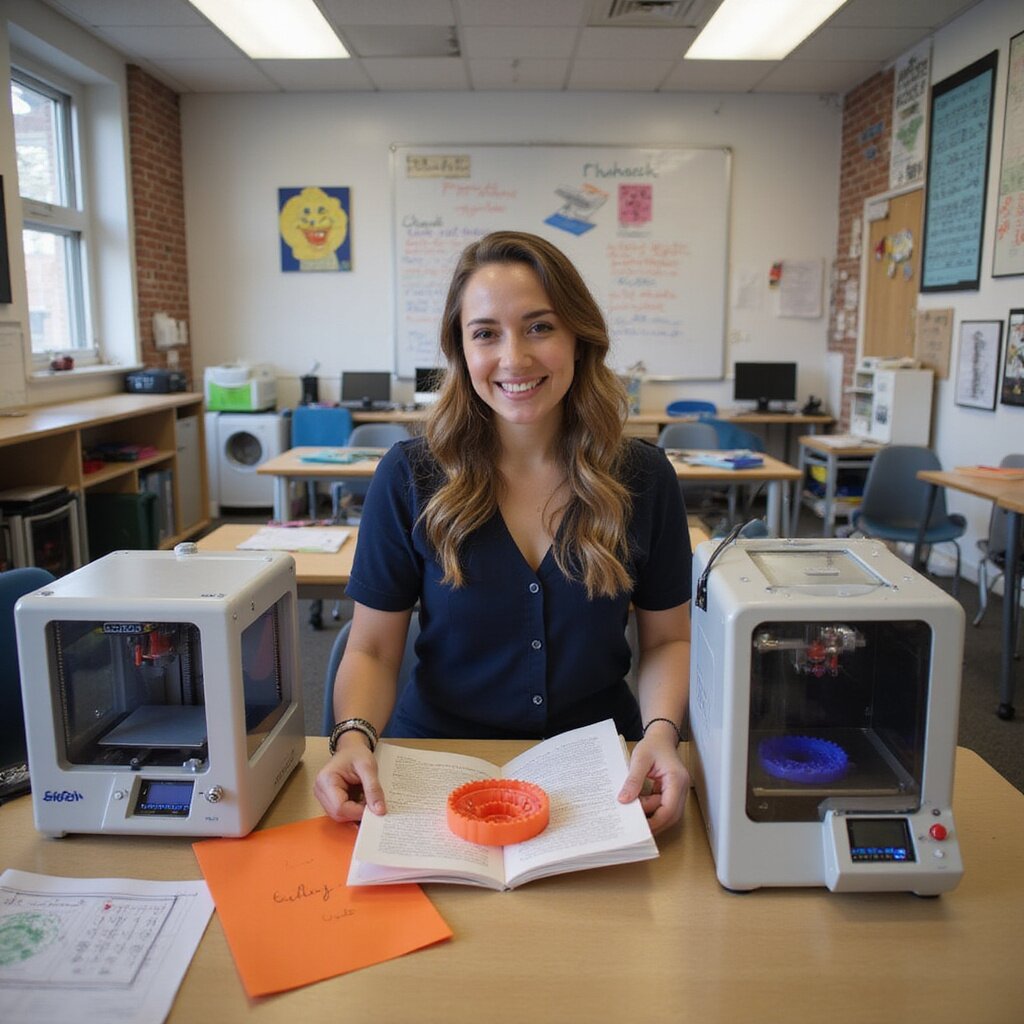
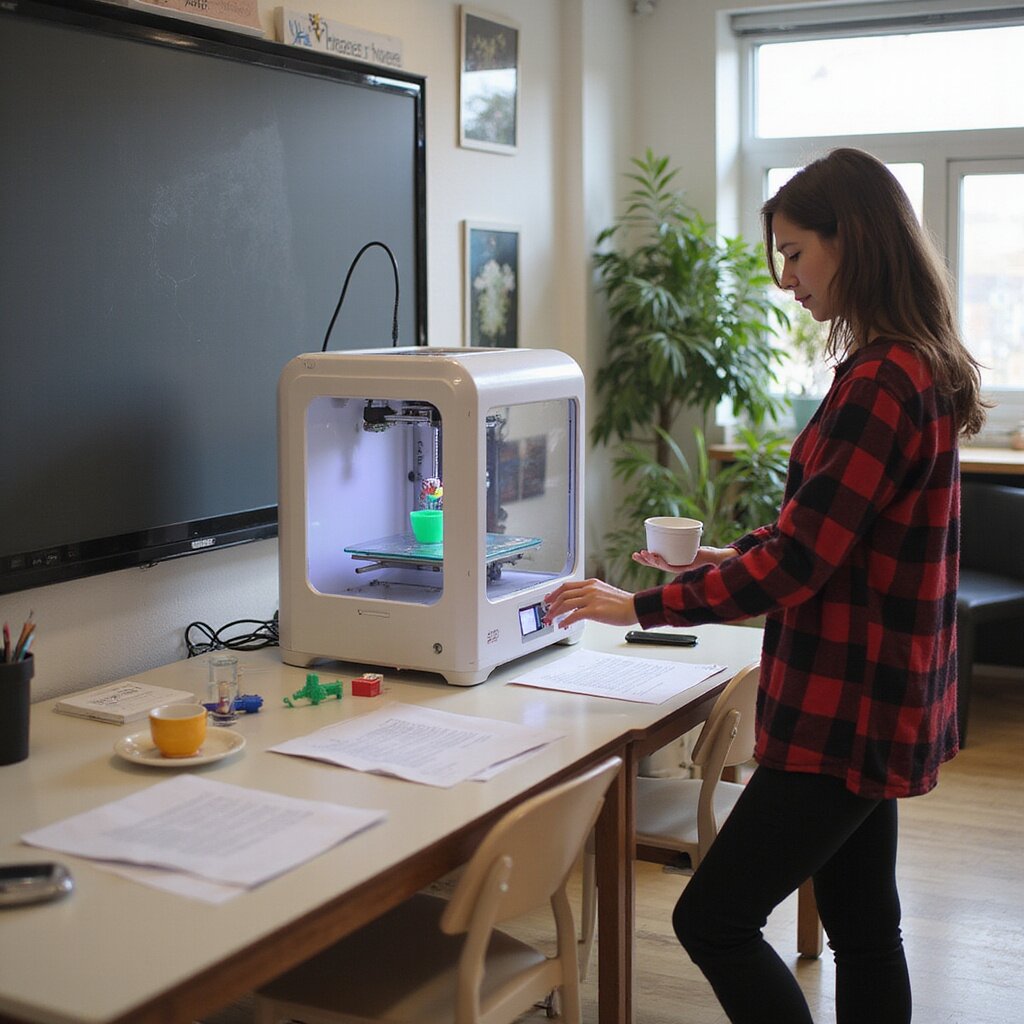
AGC Education delivers complete 3D printer for schools solutions. Each classroom 3D printer or school 3D printer includes printers, materials, software, curriculum, training, and support. Safe enclosed machines, expert setup, and clear pricing give educators and students reliable STEM learning, excellent print quality, and scalable printers for schools.
Why a 3D Printer for Schools Is Now Essential for K–12 STEM and Career Readiness
If you are responsible for STEM or CTE in your district, a 3D printer for schools is no longer optional. It is the lab tool that connects abstract lessons to real careers in engineering, health sciences, architecture, and advanced manufacturing. When students move from a 2D worksheet to a physical print, their understanding, confidence, and curiosity grow quickly.
A modern school 3D printer gives students hands on experience with CAD, problem solving, and rapid prototyping, the same workflow used in additive manufacturing and design labs. Your graduates walk into internships and college programs already familiar with 3D printing software, filament types, build area, and basic troubleshooting.
Districts that adopt printers for education report higher engagement in STEM learning, stronger project portfolios for college and CTE applications, and more collaboration between teachers and students. With safer enclosed machines, quiet operation, and classroom ready management software, the setup process is far easier than many educators expect.
If you are exploring how a 3D printer for schools fits into your STEM or CTE plan this year, reach out for a quick, no pressure planning call and a pricing guide tailored to your classrooms.
How 3D Printers in the Classroom Boost Engagement, Problem Solving, and Real World Skills
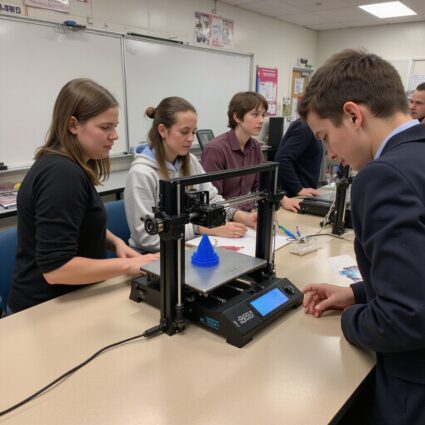
A classroom 3D printer turns passive learners into active problem solvers. Instead of just reading about forces, ecosystems, or geometry, students design and print prototypes that test those ideas. That shift from learning about to building with keeps even reluctant learners engaged.
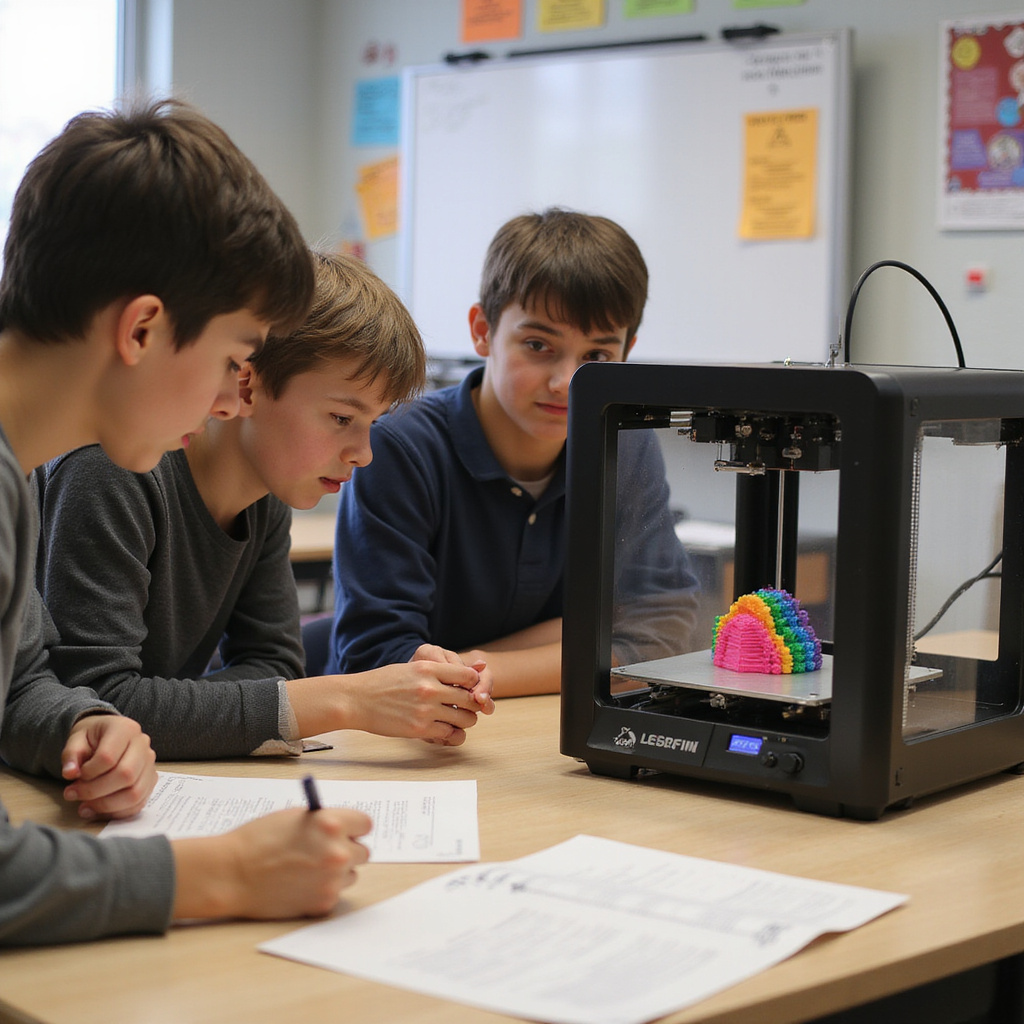
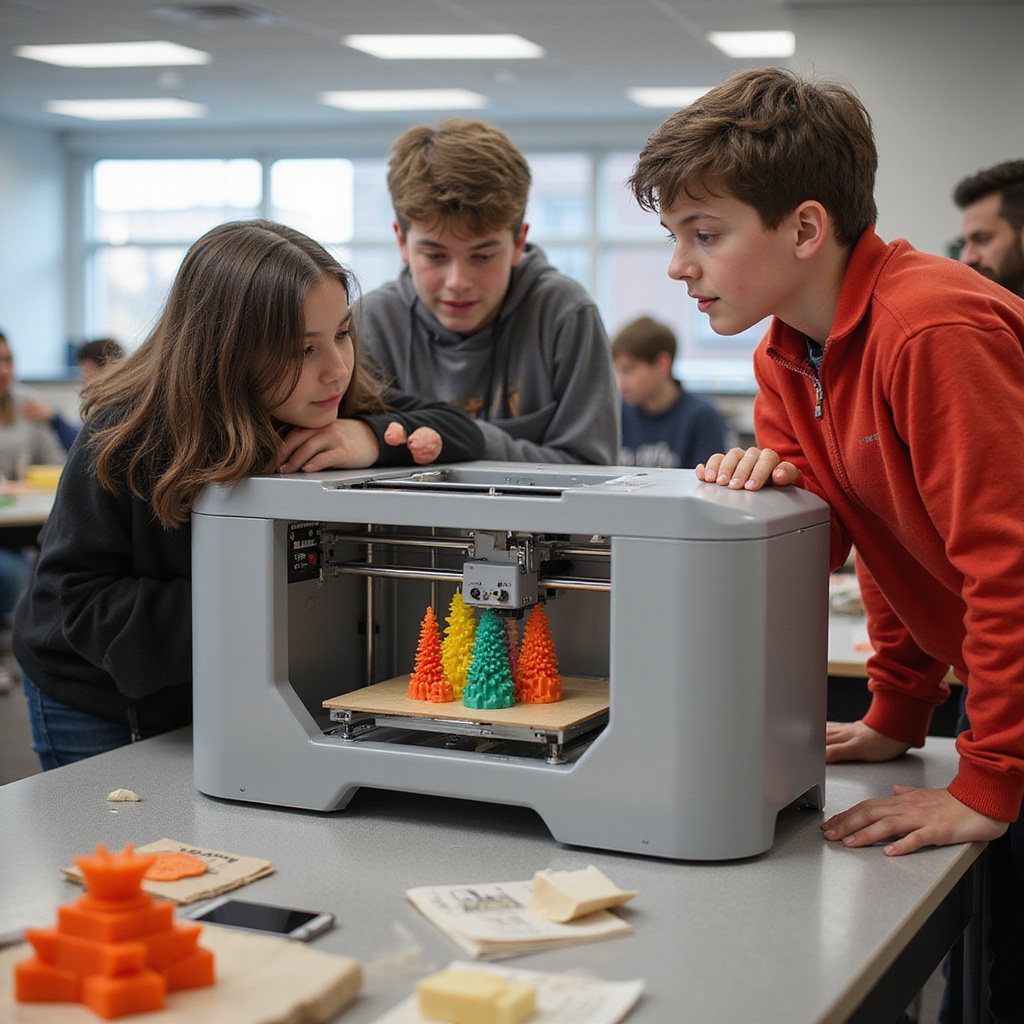
Teachers report that when students see prints appear layer by layer, they naturally ask better questions, debug their own designs, and collaborate to improve print quality and print speed. They learn to manage constraints like build volume, filament usage, and print time just like engineers in a real lab.
Because 3D printers support cross curricular projects, you gain more value from one machine. STEM, art, CTE, and social studies can share the same platform and materials, which makes it easier to justify the cost to school leadership and grants committees.
If you want your students solving real problems instead of just completing worksheets, schedule a short demo of a school 3D printer setup and see sample student projects you can run this semester.
From Concept to Prototype: Using 3D Printing to Deepen STEM and Project Based Learning
When students can move from a sketch to a CAD model to a working prototype, STEM learning sticks. A 3D printer for schools lets them test ideas quickly, redesign a bridge, refine a prosthetic, or improve a simple machine, then print again. That rapid feedback loop builds true engineering habits.
Project based learning units become more authentic when students must consider material type such as PLA, ABS, or specialty filaments, print area, and reliability. They learn why a design fails, how to adjust wall thickness or supports in slicer software, and how to balance accuracy with print time.
Teachers who integrate 3D printing into projects often see stronger presentations and portfolios because students can hold their thinking in their hands. It also gives clear evidence of standards mastery for STEM and CTE evaluations.
If you are planning your next project based unit and want ready made 3D printing lessons, request our free sample curriculum and classroom project guide.
Supporting Diverse Learners With Tactile Models and Visual 3D Learning Tools
For many students, especially those with learning differences, language barriers, or low confidence in math, a 2D diagram on a page does not click. A classroom 3D printer lets you create tactile models like molecules, cells, historical artifacts, and math manipulatives that students can touch, rotate, and explore.
These learning tools support multiple modalities at once, visual, kinesthetic, and verbal. Students who struggle with abstract concepts often thrive when they can handle a model of a fraction, a heart valve, or a landform. That shift can change their entire relationship with STEM.
Because you can print custom models on demand, you are not limited to what comes in a catalog. Teachers can adapt materials for specific IEP goals, reading levels, or language needs, and reprint damaged pieces at low cost using PLA filament.
If you are working to better support diverse learners in STEM, contact us to see sample printable models and get recommendations for an affordable, safe printer for schools that fits your classrooms.
AGC Education 3D Printer for Schools Solutions: Hardware, Materials, and Classroom Ecosystems
You are not just buying a 3D printer for schools. You are building a classroom ecosystem that has to work every day with real students, real time pressure, and real budget limits. AGC Education focuses on complete printers for education with safe hardware, classroom friendly materials, and management tools that make 3D printing practical for busy teachers.
Our school 3D printer solutions are selected and tested for K–12 labs, makerspaces, and STEM classrooms. That means enclosed machines, reliable print quality, quiet operation, and software that is simple enough for beginners but powerful enough for advanced prototypes and models. From a single classroom 3D printer to a managed fleet across a district, everything is designed to reduce troubleshooting and increase student learning time.
You also get the invisible pieces that matter. Training for educators, curriculum aligned projects, management software to manage multiple machines, and ongoing technical support. Teachers get clear guides and instructions, students get safe hands on fabrication, and administrators get predictable costs, pricing, and warranties.
If you are planning how to bring 3D printing into the classroom or upgrade what you already have, AGC Education can help you choose the right hardware, materials, and ecosystem for your specific age range, curriculum, and budget.
CTA: Share your classroom goals with an AGC Education specialist today and get a tailored 3D printer for schools plan and pricing.
Choosing the Right 3D Printer for Schools: Safe, Reliable Systems for K–12 Classrooms
A school 3D printer has to do more than produce nice models. It must be safe for children, reliable for daily use, and simple enough that teachers do not spend prep periods fixing jams. AGC Education evaluates 3D printers for schools on classroom realities such as student behavior, supervision levels, IT policies, and long term maintenance.
For elementary grades, we prioritize fully enclosed fused deposition modeling machines with filtration, locking doors, and guided slicer software that limits risky settings. For middle and high school labs, we add more features such as larger build volume, higher temperatures for ABS and other advanced materials, and faster print speeds while keeping safety and reliability front and center.
Every recommended classroom 3D printer is reviewed for build area, print quality, noise level, connectivity, and compatibility with education friendly slicer software such as Cura, PrusaSlicer, or manufacturer platforms. We also factor in availability of replacement parts, warranty coverage, and real world feedback from educators and students.
If you are comparing options from Bambu Lab, FlashForge, MakerBot, Formlabs, or other manufacturers, you do not have to decide alone.
CTA: Request a no pressure hardware consultation and AGC Education will match you with the safest, most reliable 3D printer for your classrooms and budget.
Key Safety, Reliability, and Usability Features to Look For in a School 3D Printer
When you select a printer for school use, a few key features protect students and your investment.
For safety, look for an enclosed build chamber, locking doors, and covered hot components so curious hands cannot reach the nozzle or heated build plate. Filtration and a well ventilated setup help manage fumes, especially when printing ABS or specialty filaments.
For reliability, focus on sturdy construction, automatic bed leveling, calibrated extruders, and proven output quality across many test prints. Availability of spare parts, responsive technical support, and a solid warranty matter as much as print speed.
For usability, teachers need intuitive touchscreen controls, easy filament loading, and slicer software that works on school devices and networks. Features such as remote printing, print queue management, and preset profiles for PLA help educators manage multiple machines efficiently.
AGC Education prescreens printers against these classroom specific standards so you do not have to learn through costly trial and error.
CTA: Ask our team for a safety and reliability checklist and recommended models that match your grade levels and IT environment.
Turnkey Implementation: Training, Support, and Curriculum for Your 3D Printer in Schools
You do not just need a 3D printer for schools. You need a reliable system that teachers can run without becoming technicians. EmpowR Academy delivers turnkey implementation that covers hardware, software, curriculum, and ongoing support, so your classroom 3D printer never gathers dust in a lab.
From day one, your school 3D printer setup includes age appropriate lessons, safety guides, and ready to print projects aligned to STEM and CTE standards. Teachers get clear instructions on PLA filament, build plate care, slicer software, and basic maintenance, so they can manage print jobs and troubleshoot common issues without constant IT help.
Behind the scenes, our team monitors reliability, print quality, and usage data across multiple machines, helping you manage consumables, control costs, and plan upgrades. Districts use our platform to standardize training, track certifications, and keep every printer for education running safely and efficiently.
If you want 3D printers for schools that arrive with training, curriculum, and real support built in, schedule a quick call with our team today.
How EmpowR Academy Prepares Teachers to Integrate 3D Printing Into Instruction
Most educators are not 3D printing experts. EmpowR Academy gives teachers a guided path from never touched a 3D printer to confidently running projects in science, math, art, and CTE classrooms.
Teachers start with short, on demand modules that explain key features of a classroom 3D printer such as build area, print speed, filament types including PLA and ABS, slicer software, and safety standards for students. No jargon and no long lectures, just practical, classroom tested guides and examples.
If you want your teachers to feel confident using printers for education instead of intimidated by the machines, book a demo of EmpowR Academy and see the training in action.
Why K–12 Districts Trust AGC Education for 3D Printer for Schools Deployments
You are not just buying a 3D printer for schools. You are protecting instruction time, your budget, and your reputation with staff and families. Districts trust AGC Education because we treat every school 3D printer deployment like a long term STEM program, not a one time hardware purchase.
Our team has deployed fleets of printers for education in classrooms, labs, and makerspaces for over a decade. That experience shows up in the details: curated classroom machines with enclosed build chambers for safety, reliable PLA and materials, classroom ready software, and management tools IT can actually support. Educators and students get excellent print quality without wrestling with constant calibration or maintenance.
District leaders tell us they feel relief having one partner for hardware, curriculum aligned projects, training, and ongoing technical support. No finger pointing between manufacturers, software, and resellers, just one accountable team.
When you approve a classroom 3D printer purchase, your biggest worry is adoption. Will teachers use it. Will students be safe. Will IT be flooded with tickets. Our Success Implementation Team solves that with onboarding, coaching, and ongoing support that keeps usage high and print failures low.
If you want your next rollout to feel supported instead of stressful, schedule a quick planning call and see what is possible in your district.
How to Get Started With a 3D Printer for Schools Through AGC Education
Getting started with a 3D printer for schools does not have to be one more project to manage. AGC Education is built for busy educators and administrators who need a reliable classroom printer, clear training, and predictable costs.
You begin with a short discovery call. An AGC specialist asks about grade levels, curriculum goals, class sizes, and where the printer will live, lab, makerspace, or classroom. From there, they recommend a school 3D printer package that matches your budget, space, and IT requirements, including software, filaments, and safety accessories.
Every printer for school use is designed for education, with enclosed machines where needed, quiet operation, classroom safe materials such as PLA, and management tools so teachers can control print queues. Training, guides, and a clear setup process help beginners move from never touched a printer to running student projects with confidence.
If you are ready to bring 3D printing into the classroom with less risk and more support, schedule a quick call with AGC Education today and get a tailored plan for your campus or district.
Compare 3D Printer for Schools Packages, Pricing Options, and Funding Alignment
When you compare packages through AGC Education, you are choosing a full system that matches how students and teachers work.
Entry packages focus on a single classroom printer with PLA materials, slicer software, and beginner friendly guides. Mid tier options add larger build volume, faster print speed, extra filament, and accessories for multiple classes.
For labs and makerspaces, AGC Education offers multi printer fleets, management software, and advanced materials such as ABS. Pricing is transparent and aligned with STEM grants, CTE budgets, and district plans.
3d printing 3d printer 3d printer 3d printer printers resin 3d printer for schools dlp 3d printing formlabs printers formlabs inkjet printer 3d printers fdm printer printer 3d printers printer sla formlabs 3d printing additive manufacturing 3d printing 3d printers 3d printing software printers dlp resin printers sls printers formlabs printers formlabs formlabs 3d printer for classrooms 3d printer printers 3d printer 3d printing printer resin fused deposition modeling 3d printers 3d printing sla printer software printer 3d printers formlabs fdm 3d printing resin 3d printing printer 3d printers 3d printing 3d printers 3d printers 3d printers 3d printers 3d printers printers 3d printers stereolithography 3d printing 3d printer labs 3d models resin resin printers 3d printer 3d printing fdm abs 3d printers 3d printing fused deposition modeling fdm formlabs printer 3d printing 3d printer for classrooms 3d models resin printer 3d printers 3d printer sls fdm 3d printing printer 3d printer stereolithography 3d printer 3d printer 3d models software 3d printer 3d printing 3d printing fused deposition modeling 3d printing fdm labs 3d printer printer additive manufacturing 3d printing fdm sla 3d printing 3d printers sla resin sls 3d printers formlabs 3d printer printers printer fdm sls 3d printing 3d printers 3d printer for classrooms 3d printers 3d printing sls 3d printing printer resin 3d printer labs fdm 3d printing sla resin fdm 3d printers abs 3d printers 3d printer printer formlabs 3d printers 3d printers 3d printers 3d printer 3d printers printer fused deposition modeling abs 3d printer printers printer